
Track referrals and earnings
See your referral stats, commission balance, and payout history in the affiliate dashboard.
Once you join the program, you can log in to see how your referrals are performing. The dashboard shows your link, your earnings, and your payouts in one place.
Steps
- Go to howdybell.com/affiliates.
- Click the link that says Already an affiliate?.
- Click Get a sign in link sent to your email. and enter your email.
- Check your email inbox for the sign in link.
- Click the link to open the Affiliate dashboard.
- View your unique referral link and code in the top section.
- Check your stats for clicks, signups, and active accounts.
- Review your balance, which is split into pending, available, and paid amounts.
- Look at your payout history to see past payments.
Good to know
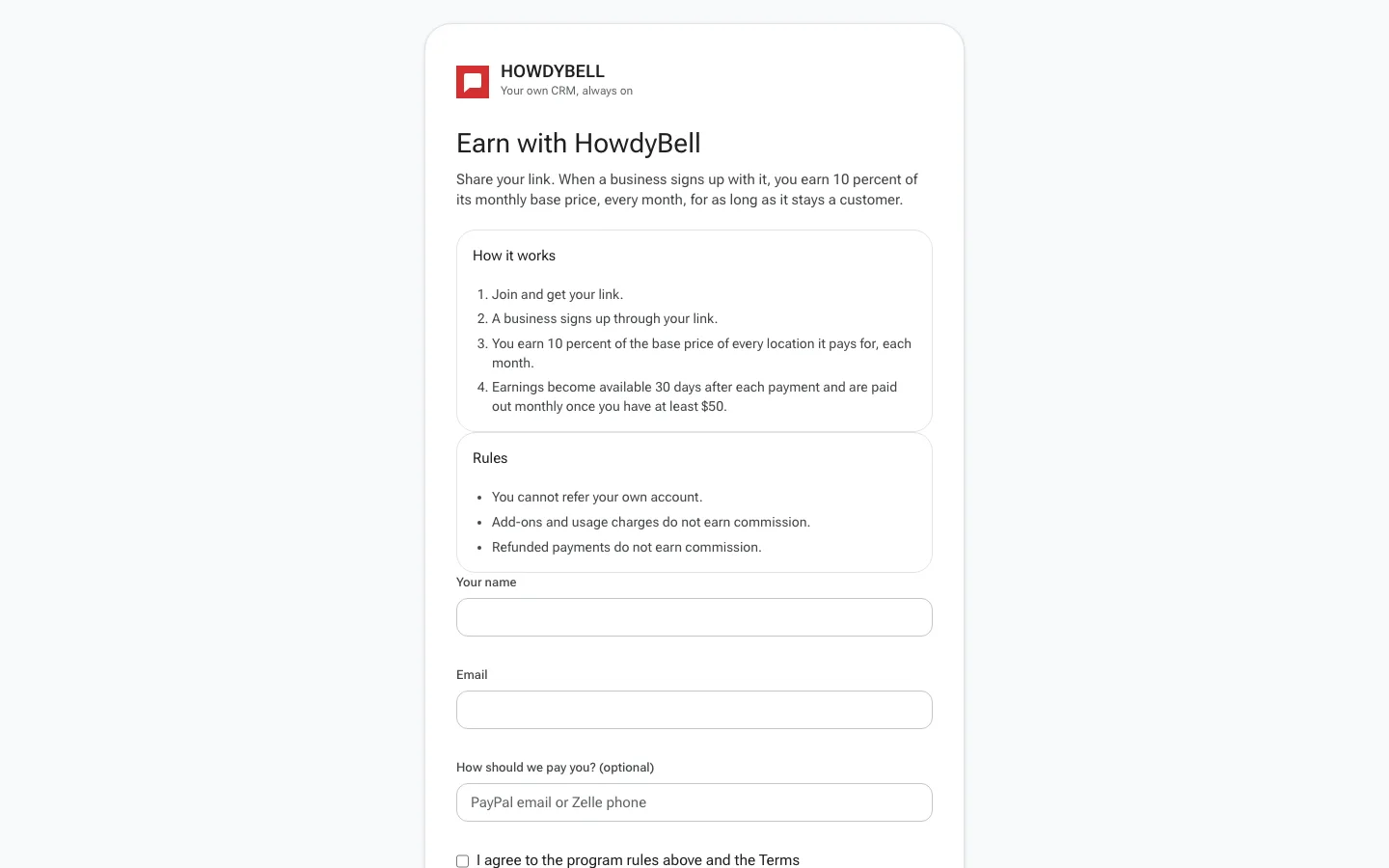
- Earnings become available 30 days after each payment and are paid out monthly once you have at least $50.
- You can only see commissions for businesses that signed up through your link.
- The dashboard shows the total amount you have earned and what is ready for payout.
- If a payment is refunded, the pending commission is voided.