
Use your files in emails, pages and posts
Insert images and videos from your media library into emails, websites, social posts, and courses.
You can reuse any file from your media library in your marketing campaigns. This saves time because you do not need to re-upload the same image for every email or post.
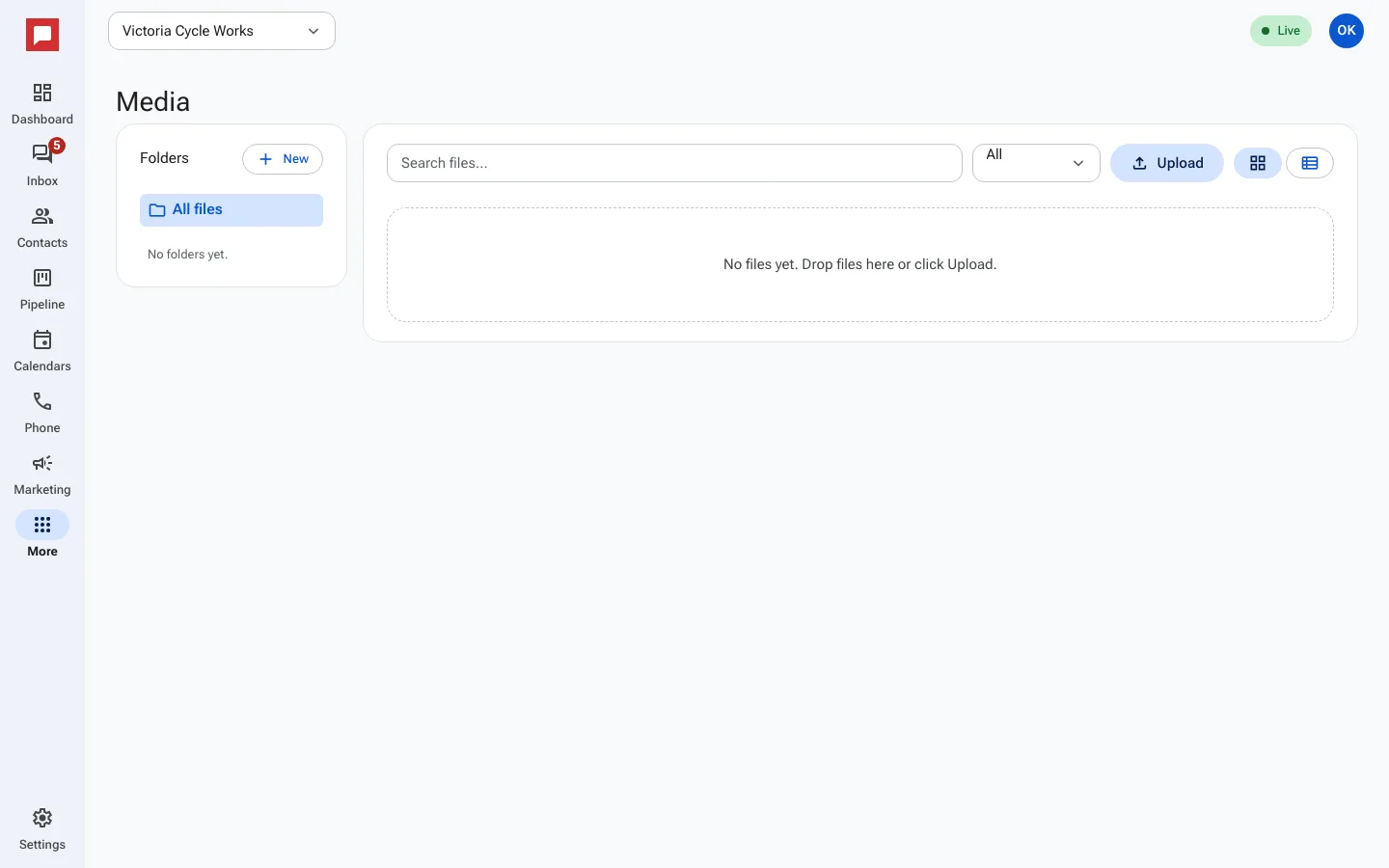
Steps
- Open the tool where you want to add a file, such as the email builder or site builder.
- Click the image block or media field to open the picker.
- The picker shows your Media library files.
- Use the Search files... box to find a specific image or video.
- Filter by type using the Images, Videos, Audio, or Documents tabs.
- Click a file to preview it.
- Click Select to insert the file into your content.
- You can also use this picker for social posts and course thumbnails.
- The file is saved to your content and ready to publish.
Good to know
- You can use the same image in multiple emails and pages.
- The picker works in the email builder, site builder, and social composer.
- Course thumbnails, lesson audio and files, and certificate logos use it too.
- Library files have public links, so anyone with the link can view them. Do not upload private documents.