
Connect HowdyBell to Zapier
Link your account to Zapier to automate tasks between HowdyBell and other apps.
Zapier links HowdyBell to thousands of other apps: send new contacts to a spreadsheet, start a workflow from a form in another tool, and more.
Steps
- In Zapier, create a Zap and search for HowdyBell as the app.
- When Zapier asks you to sign in, log in to HowdyBell.
- On the access screen, choose the Location and click Allow.
- Pick a HowdyBell trigger, for example a new contact or a booked appointment, or an action like creating a contact.
- Test the step in Zapier and turn the Zap on.
Good to know
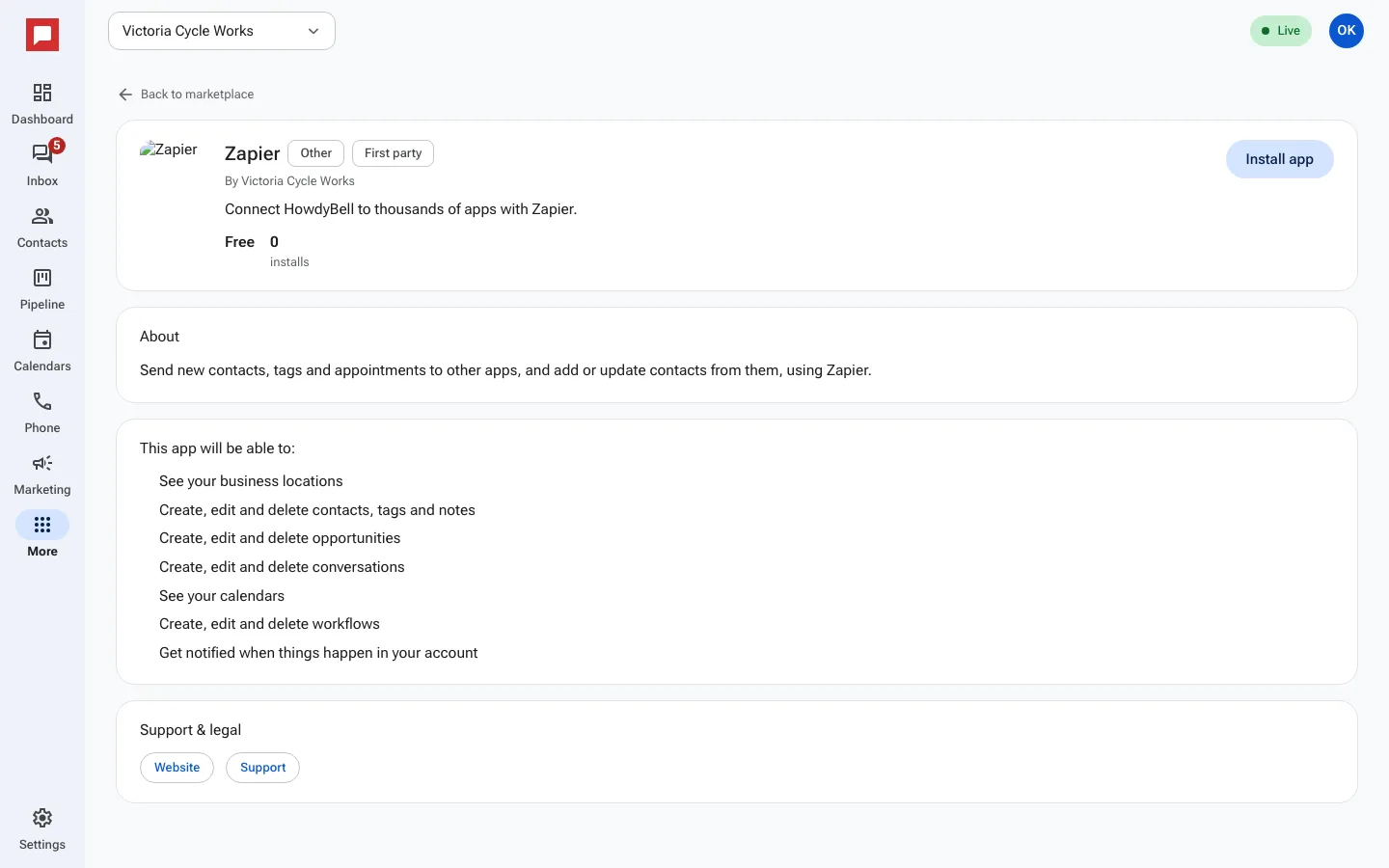
- The Zapier app page in the Marketplace shows what Zapier can access.
- Each connection works with one location. Connect again for another location.
- Zapier connections show on the Installed tab; uninstall there to cut Zapier off.