
Build a custom report
Create and schedule custom reports from your dashboards.
Custom reports let you share specific data with your team or clients. You can build a report from an existing dashboard and send it by email on a schedule.
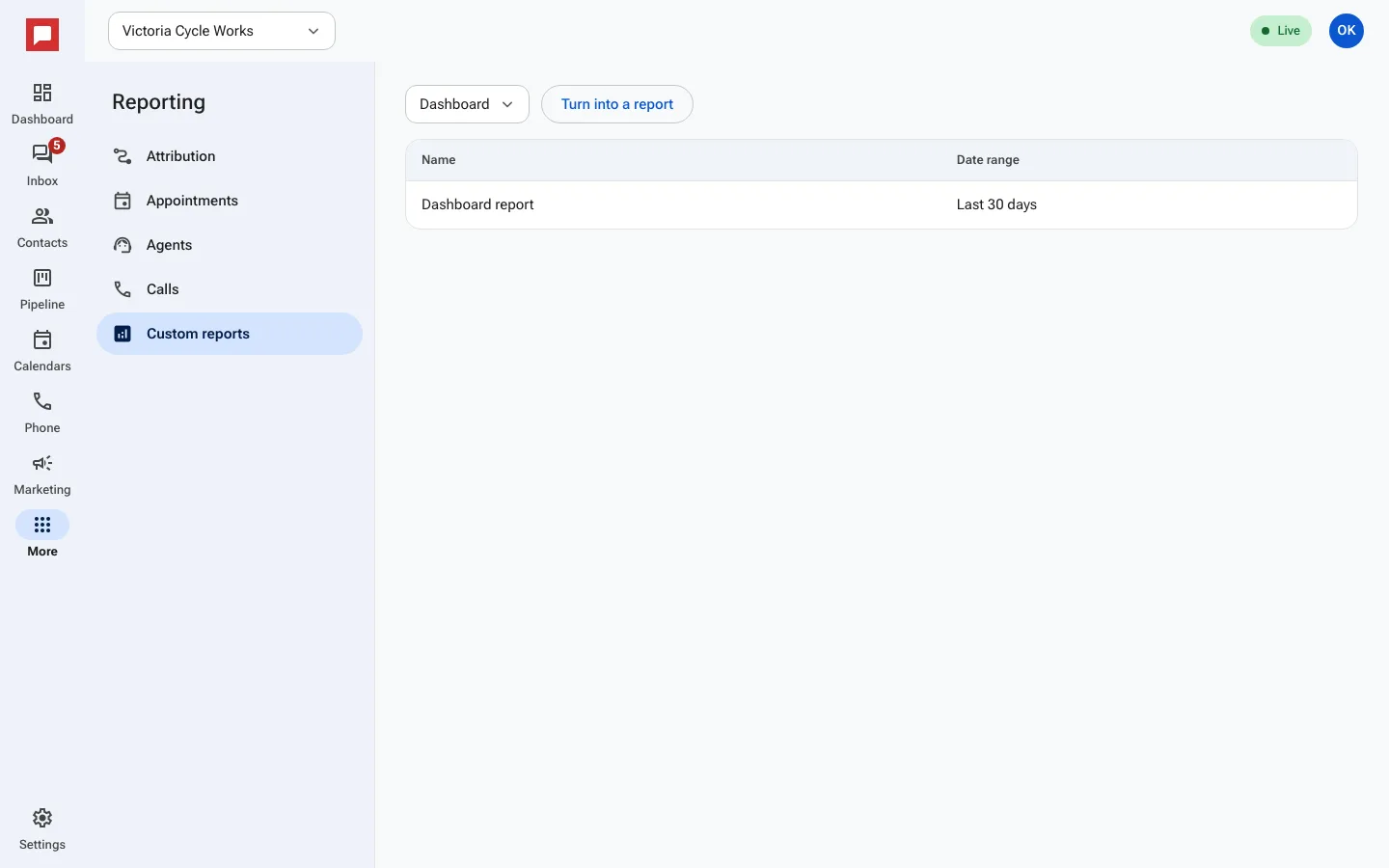
Steps
- Go to the More menu on the left rail.
- Select Reporting.
- Click the Custom reports tab.
- Pick a dashboard and click Turn into a report.
- Add text blocks or sections to explain the data.
- Click New schedule to set up automatic emails.
- Choose a Frequency like Daily, Weekly, or Monthly.
- Enter Recipients as comma separated email addresses.
- Click Send now to test the report immediately.
Good to know
- You can use the dashboard's date range or set a specific one for the report.
- You can delete a schedule at any time if you no longer need it.