
Connect your social accounts
Link your Facebook, Instagram, and other profiles to start posting from HowdyBell.
You need to connect your social profiles before you can schedule posts. This lets HowdyBell publish content to your accounts directly.
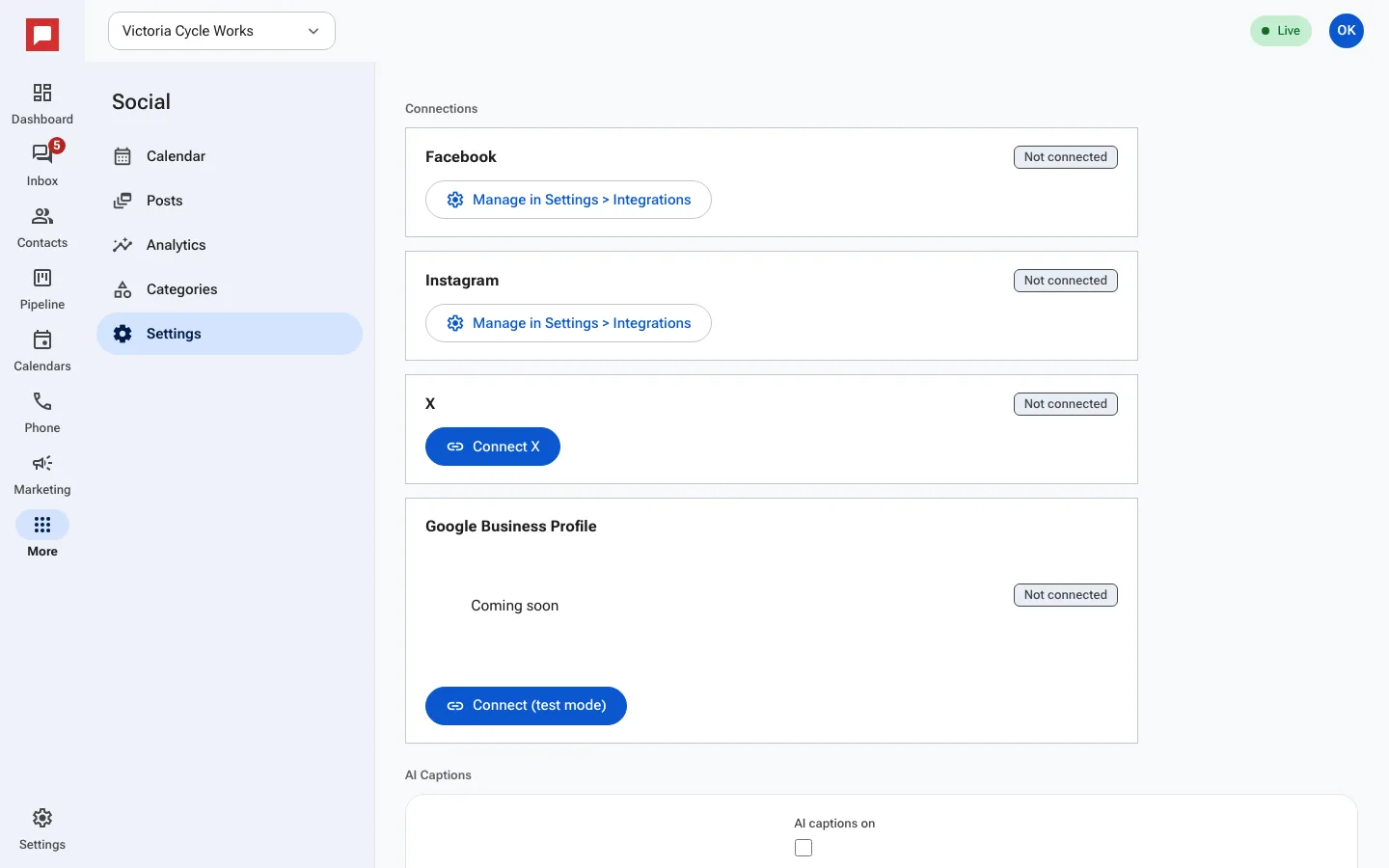
Steps
- Click More in the left icon rail, then Social.
- Open the Settings tab and find Connections.
- Facebook and Instagram connect once for the whole app: click Manage in Settings > Integrations and connect your Facebook Page there. Instagram business accounts linked to that Page come with it.
- For X, click Connect X and sign in.
- Each card shows Not connected until the account is linked.
Good to know
- Google Business Profile is Coming soon. Its button connects in test mode only.
- Click Disconnect on a card to unlink an account.
- You need a role that can manage social settings.