
See social analytics
Check how many people saw your posts and how they interacted with them.
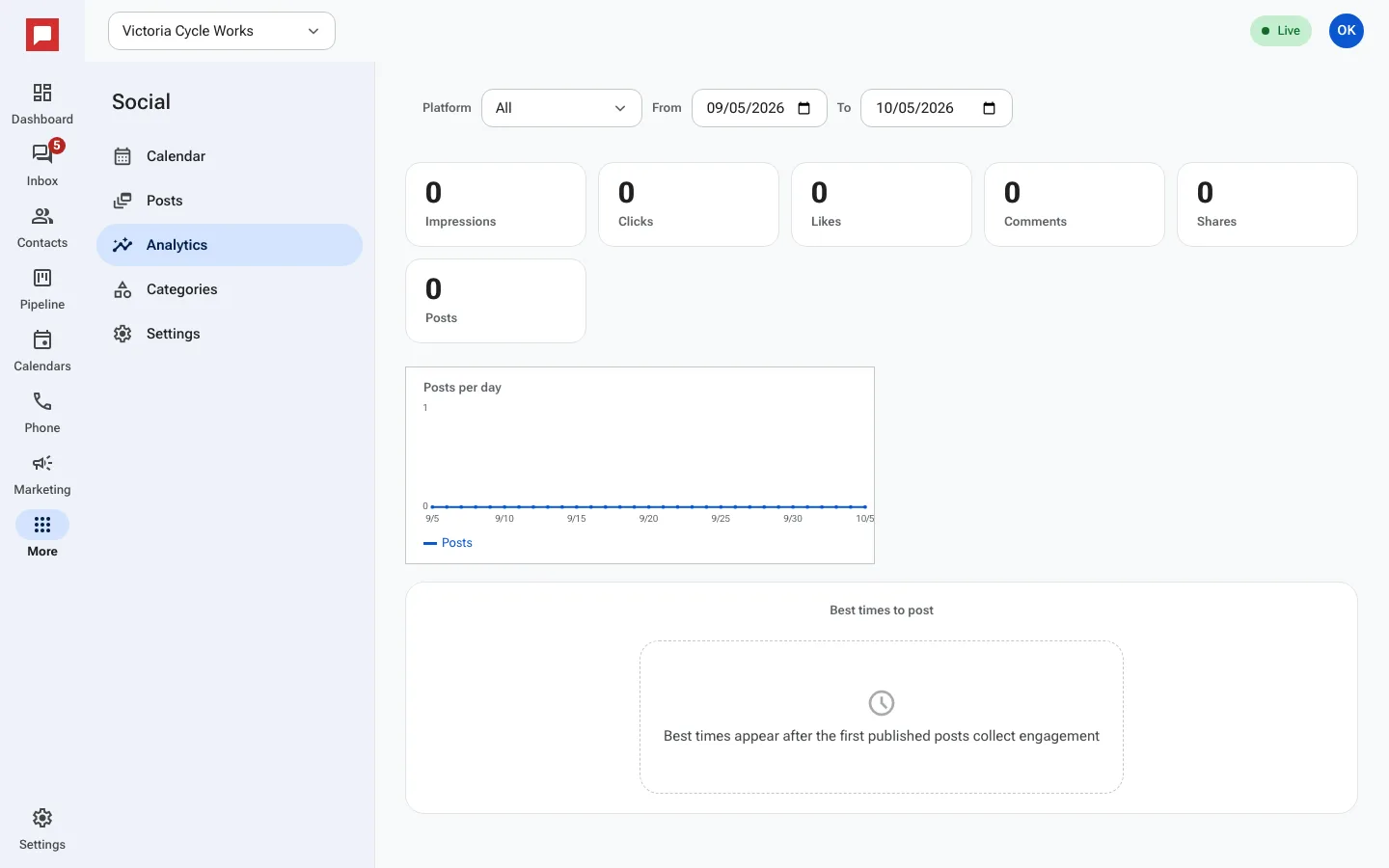
Analytics show you how your posts are performing. You can see impressions, clicks, likes, comments, and shares. This helps you understand what your audience likes.
Steps
- Go to More in the left icon rail, then Social.
- Click the Analytics tab.
- Look at the total numbers for Impressions, Clicks, Likes, Comments, and Shares.
- Use the From and To date pickers to change the time range.
- Select a specific platform from the All platforms dropdown to filter data.
- Look at the Best times to post section for suggestions.
- Click on a specific post to see its individual performance details.
Good to know
- Best time suggestions appear after your first few posts collect engagement.
- You can see data for Facebook, Instagram, and other connected platforms.
- If you have no data yet, you will see a message saying No analytics yet.