
Resell marketplace apps
Add third-party apps to your client plans and set your own price for each app.
HowdyBell has a marketplace of extra apps. You can resell these apps to your clients. You set the price you charge, and you keep the difference.
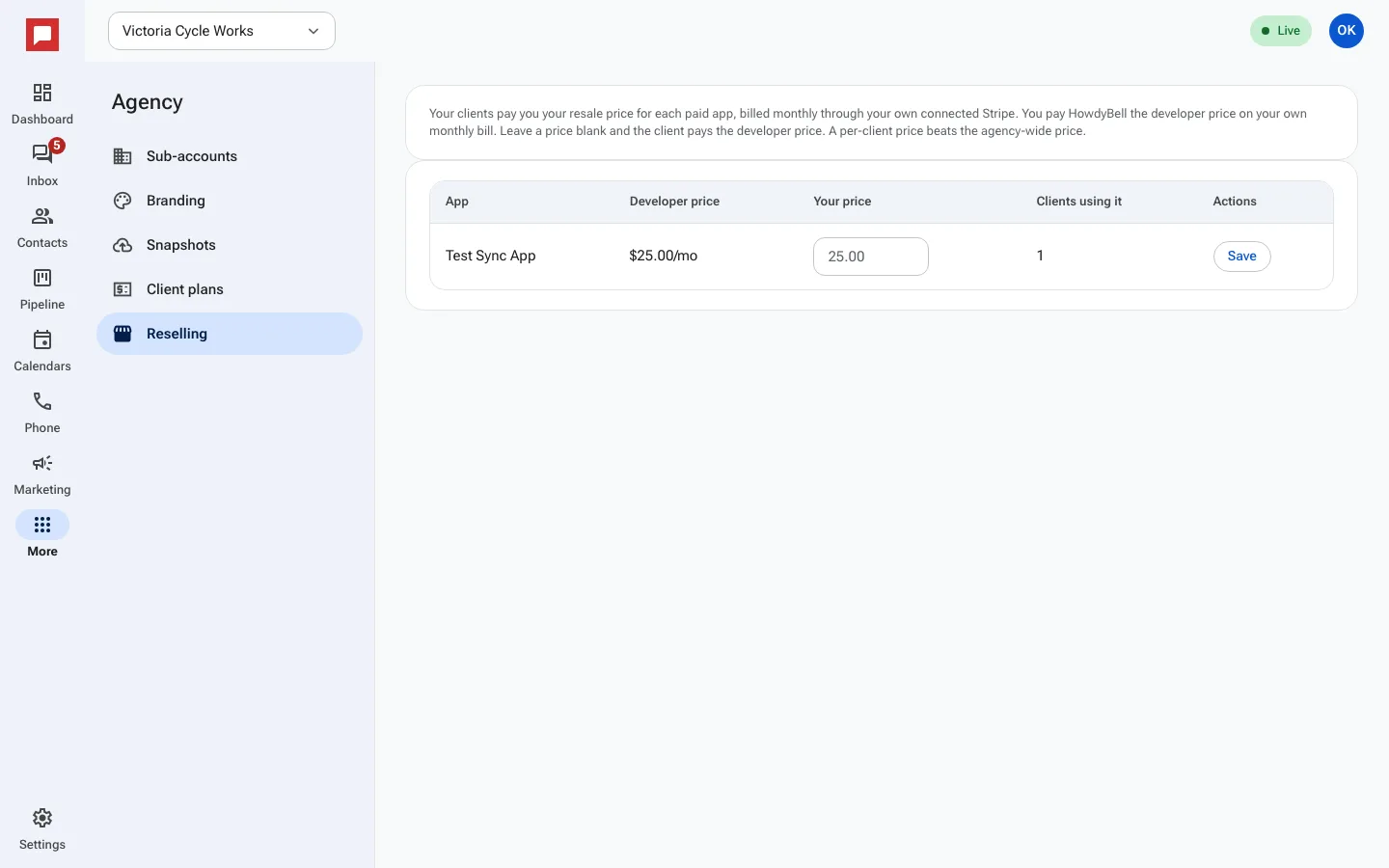
Steps
- Click More in the left icon rail, then Agency, then Reselling.
- Each paid app shows its Developer price, what you pay.
- Type Your price, what your clients pay, and click Save. This price applies to every client.
- For one client only, open Sub-accounts, click Manage on that client, and set a price under App prices.
- Each month HowdyBell bills every client its apps at your price, on your own Stripe account.
Good to know
- Only paid apps billed through HowdyBell can be resold. Apps that bill on the developer's own page cannot.
- Your clients need a card on file with you before they can install a paid app.
- The difference between your price and the developer price is yours.