
Share your booking page
Copy your booking link or embed it on your website.
Your booking page is where customers pick a time. You can share the link or add it to your website. This makes it easy for people to book without emailing you.
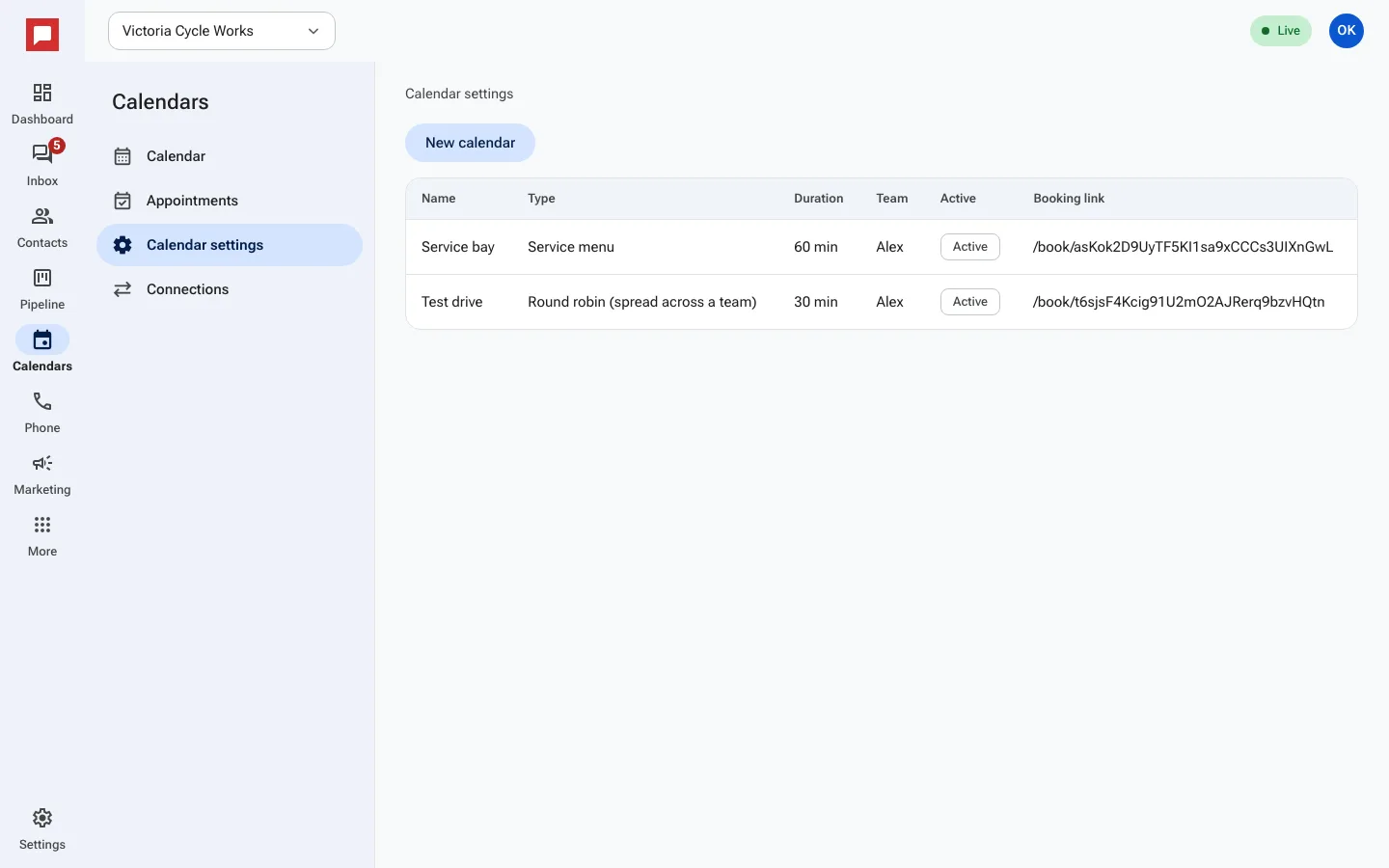
Steps
- Click Calendars in the left icon rail, then Calendar settings.
- Click the calendar, then open the Share tab.
- Click Copy next to Public link and send it by text, email or on social.
- To show the calendar on your website, copy the Embed tag and paste it into your page.
- Click Open booking page to see exactly what customers see.
Good to know
- The public link works on any device.
- The embed tag shows the calendar directly on your site.
- You can share different links for different calendars.
- Customers see only the times you have available.