
Run ads with Ad Manager
Connect your ad accounts, create campaigns, and track leads directly in your CRM.
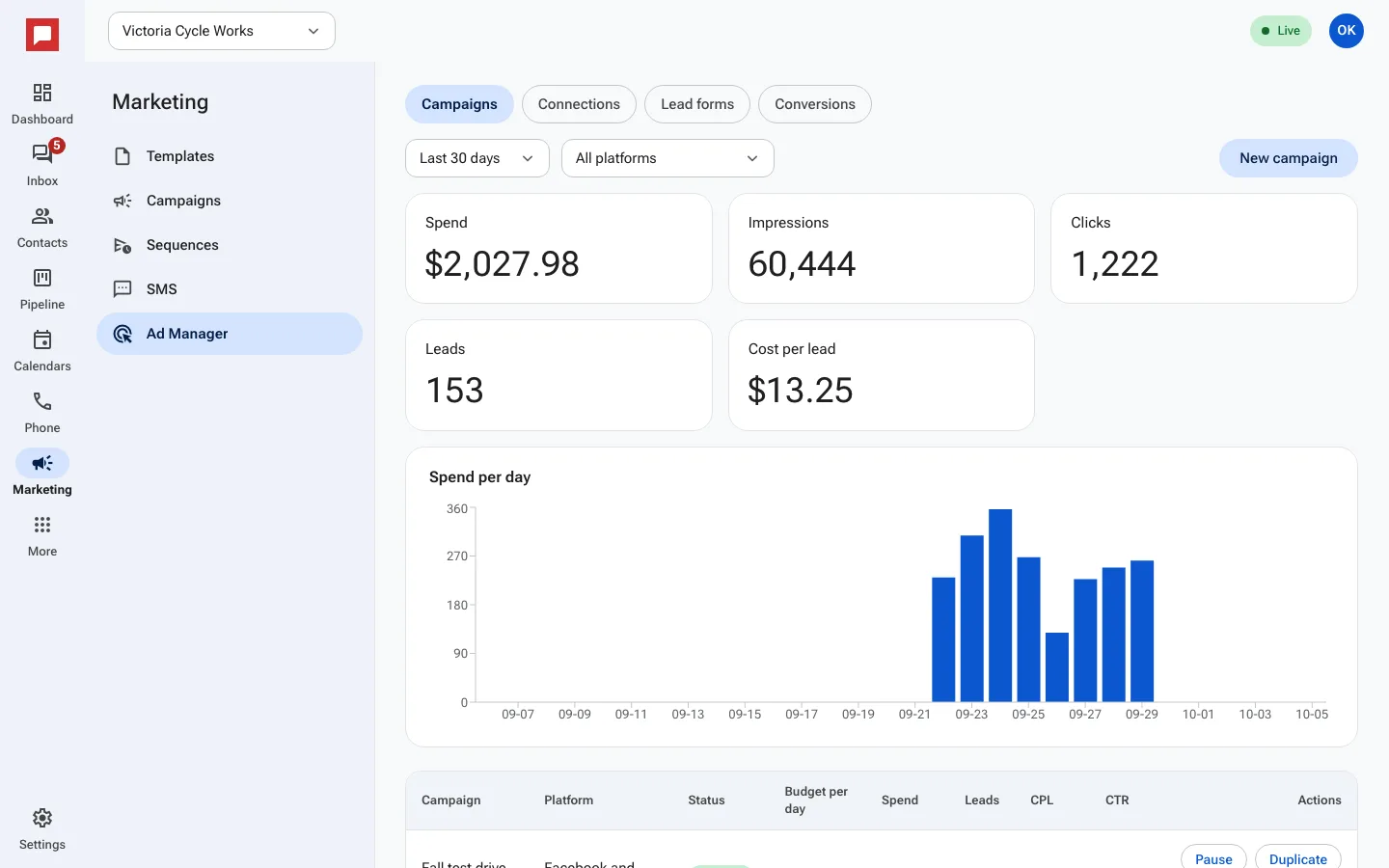
Ad Manager lets you run ads on platforms like Facebook and Google. It connects your ad leads directly to your contacts and pipeline, so you never lose a lead.
Steps
- Go to Marketing in the left rail, then click Ad Manager.
- Click Connect an account to link your Facebook, Instagram, or Google Ads account.
- Choose a Platform and select the specific ad account you want to use.
- Click New campaign to start.
- Set your Budget per day and Start date.
- Define your audience using ZIP code, Age, and Interests.
- Write your ad Primary text and choose a Call to action.
- Select a Lead form to capture customer details.
- Click Save campaign. The ad starts paused. Press Go live when you are ready.
Good to know
- Leads from your ads are automatically added to your CRM.
- You can map lead form fields to your Pipeline and Stage.
- Track Spend, Leads, and Cost per lead in the dashboard.
- Your ad account is charged by the platform, not by HowdyBell.