
Send an email campaign
Choose an audience, pick a template, and send an email blast now or schedule it for later.
A campaign is a one-time email sent to a specific group of people. This is great for announcing a sale, a new service, or a special event to your whole customer base or a targeted list.
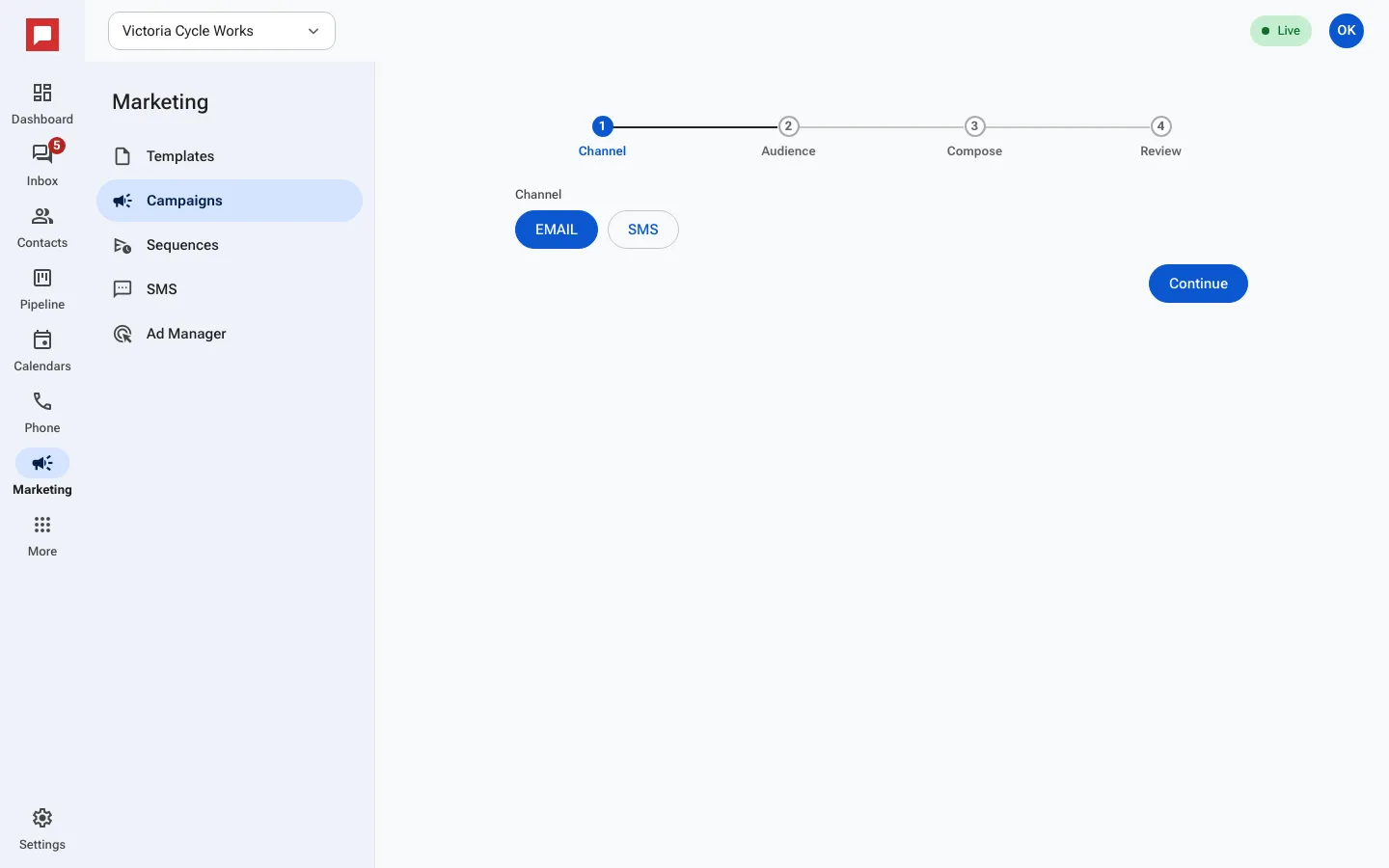
Steps
- Go to Marketing in the left rail, then click the Campaigns tab.
- Click New campaign.
- Choose Email as the channel.
- Pick your Audience. You can select All contacts at this location, a Smart list, or Contacts with a tag.
- The screen shows how many people you will reach. It automatically excludes anyone who has unsubscribed.
- Click Start from a template to use a saved design, or Start blank to build one now.
- Write your Subject line and edit the message body.
- Click Review. Check the details, then choose to Send now or set a schedule.
- After sending, view the results on the campaign page to see who opened or clicked.
Good to know
- The campaign page counts Sent, Delivered, Opened and Clicked.
- New locations can send up to 500 campaign emails a day for their first 14 days; larger lists keep sending the next day.
- If someone unsubscribes, they are removed from the list before the email goes out.
- Your business address and unsubscribe link are added automatically to every email.
- You need a role with permission to manage marketing.