
Set up a drip sequence
Create a series of emails that send automatically over time to contacts who join your list.
A sequence is a set of emails sent at specific intervals. This helps you nurture new leads or keep customers engaged without manual work. It runs automatically once a contact is enrolled.
Steps
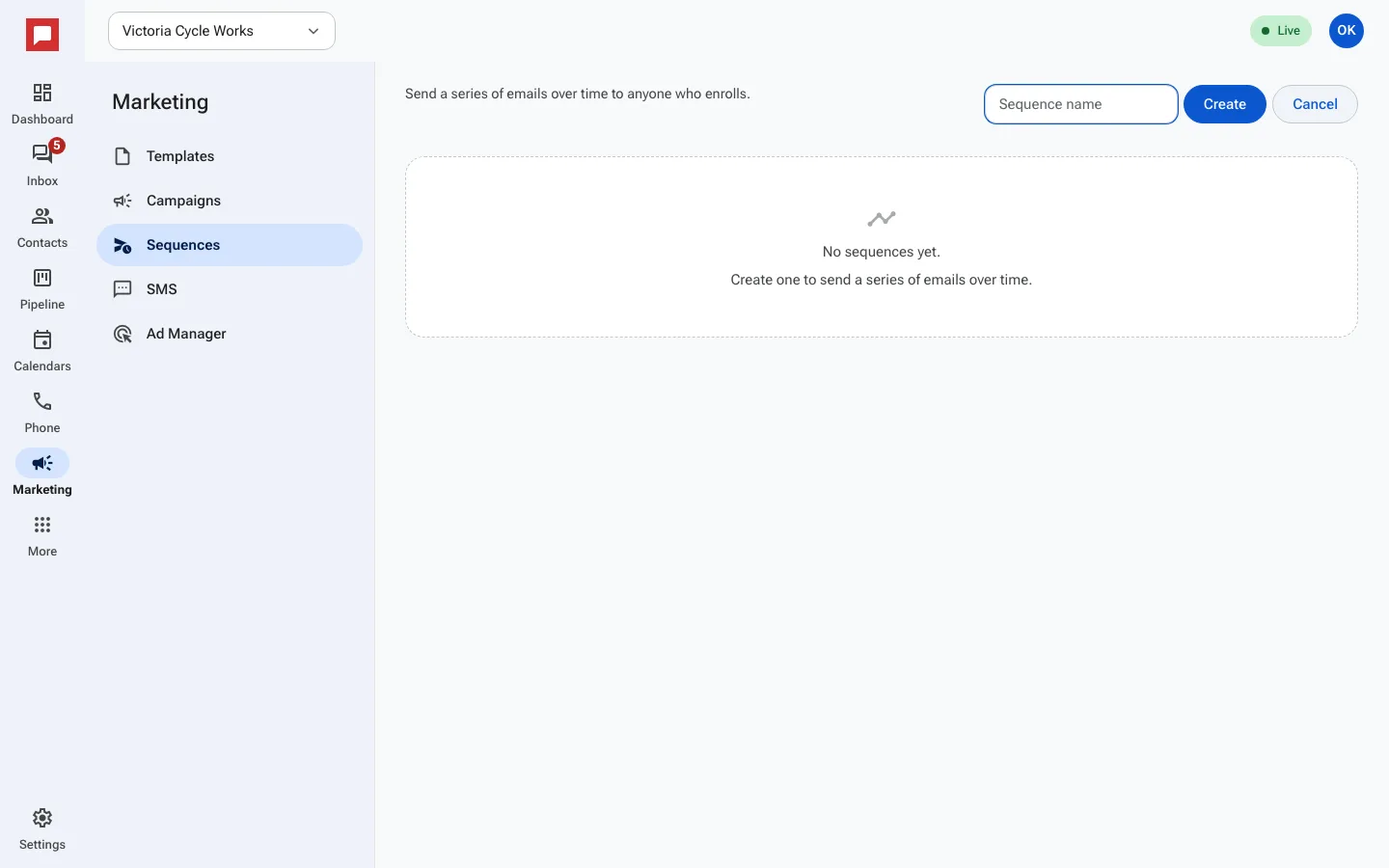
- Go to Marketing in the left rail, then click the Sequences tab.
- Type a name in New sequence and click Create. The sequence canvas opens.
- Add steps to your sequence. You can set a wait time, then send an email.
- Choose an email template for each send step.
- Publish the sequence. It is now ready to enroll contacts.
- Set the trigger that enrolls people, such as adding a tag or joining a smart list.
- Open the Execution log to see who received each email and when.
Good to know
- Contacts who unsubscribe get no more emails from it.
- You can see the Enrollment history to track who is in the sequence.
- Sequences are perfect for onboarding new customers or re-engaging old ones.
- You need a role with permission to manage marketing.