
Build an email template
Create reusable email designs with blocks, images, and a live preview to keep your marketing consistent.
A template is a saved design you can reuse in multiple campaigns or sequences. This saves time because you build the layout once and then just swap out the text or images for each new send.
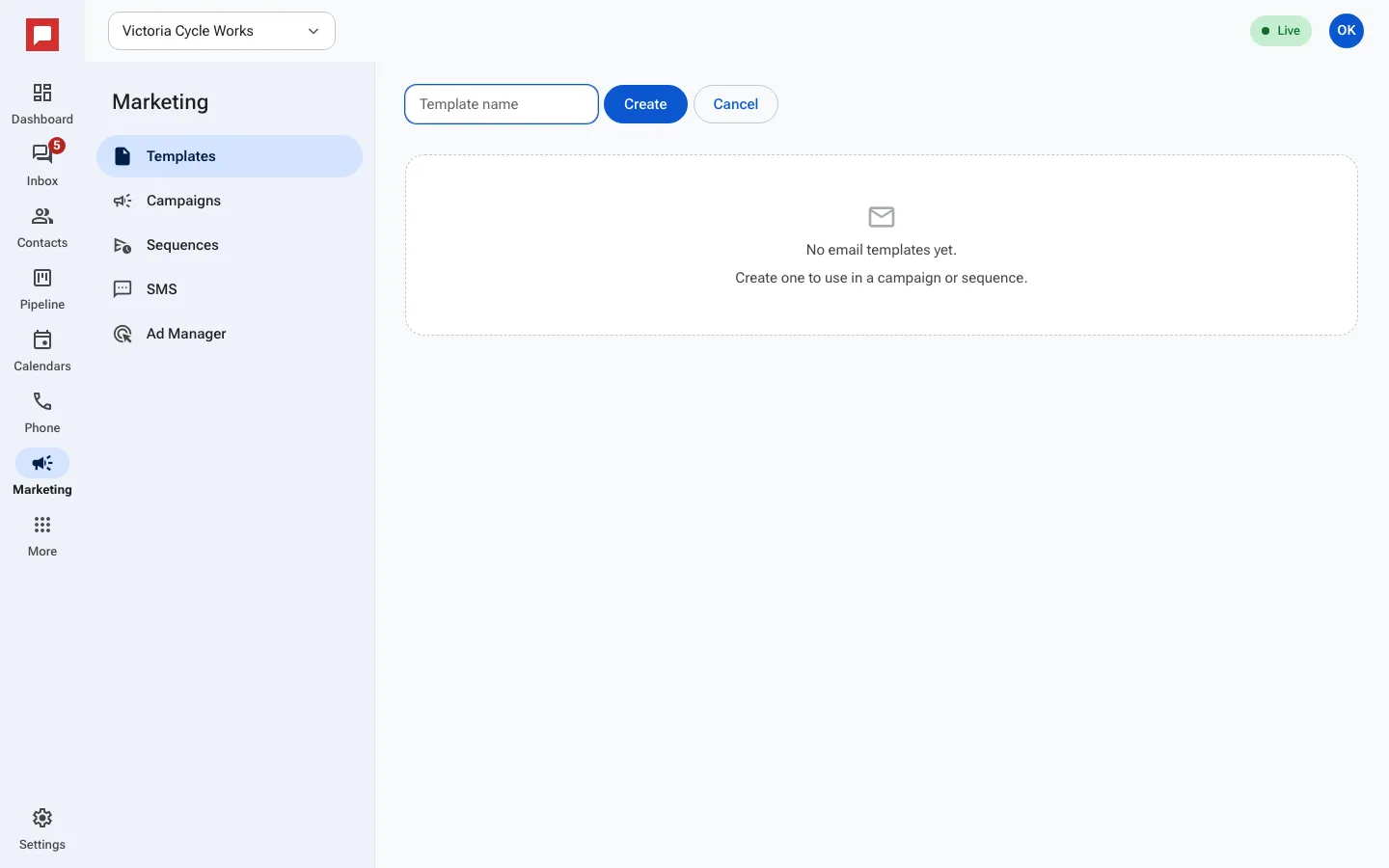
Steps
- Go to Marketing in the left rail, then click the Templates tab.
- Click New template.
- Enter a Template name so you can find it later.
- Click Add a block to start building. You can add a Heading, Text, Image, Button, or a divider.
- Click any block to edit it. For images, you can paste a URL or pick one from your media library.
- Drag blocks to reorder them. The footer with your business address and unsubscribe link is always included and cannot be removed.
- Click Email preview to see how it looks. Use True preview (exactly what sends) to check the final version.
- Save your work. The system renders the email to ensure it displays correctly in all mail apps.
Good to know
- The footer is locked. It always shows your business address and an unsubscribe link to meet legal requirements.
- You can use these templates in one-time campaigns or drip sequences.
- You need a role with permission to manage marketing.
- The preview matches exactly what your customers will receive.