
Send a text message campaign
Set up bulk text messages with automatic opt-out handling and quiet hours for your customers.
Text campaigns send one message to many people at once.
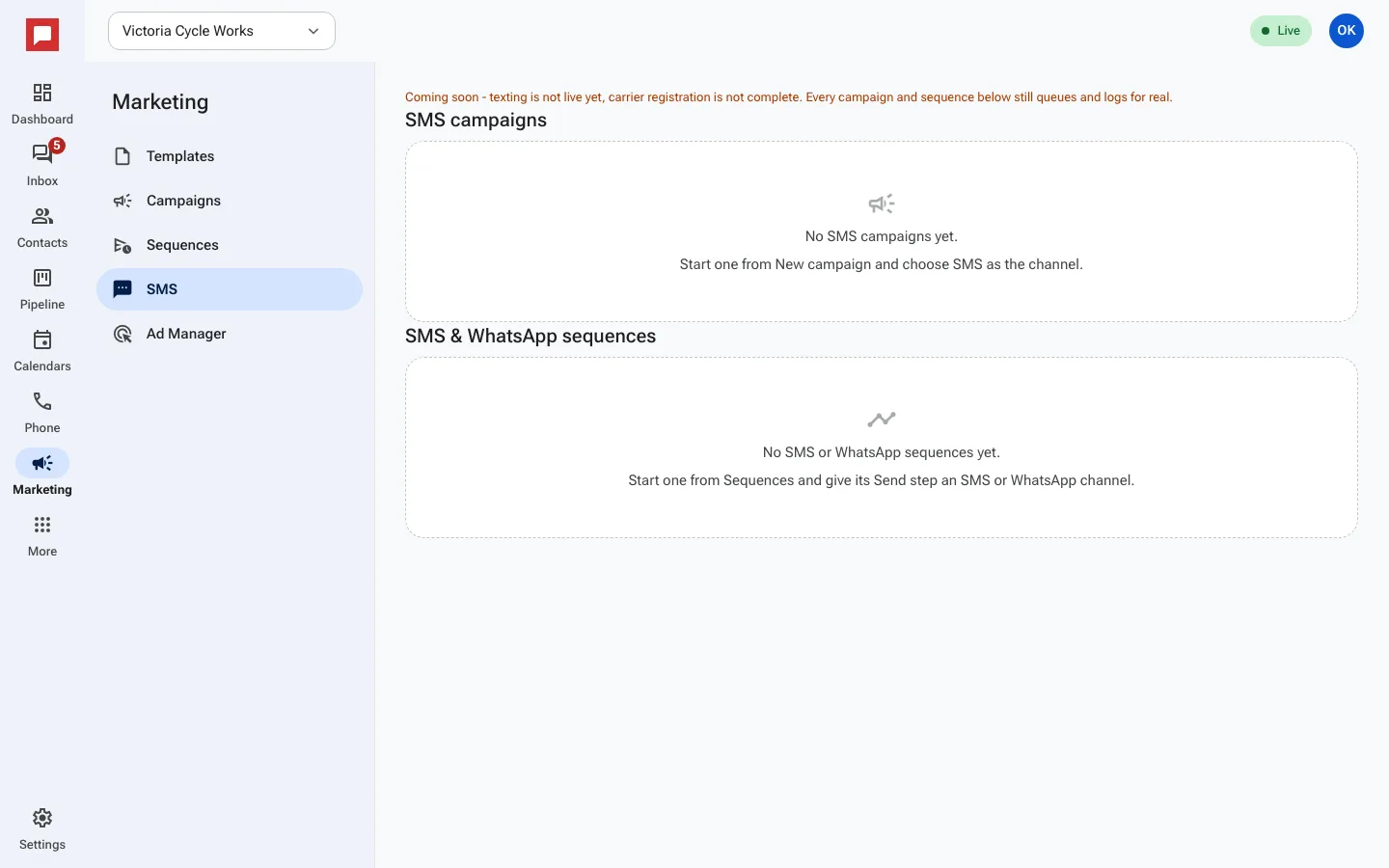
Coming soon: texting is not live yet because carrier registration is not finished. You can build text campaigns and sequences now. They queue and log for real, and start sending once texting goes live.
Steps
- Go to Marketing in the left rail, then click Campaigns.
- Click New campaign and choose SMS as the channel. The SMS tab lists your text campaigns and text sequences.
- Choose your Audience. You can pick a smart list, a tag, or all contacts.
- Type your message. The system adds a "Reply STOP to opt out" line automatically.
- Review the number of recipients. People who have opted out are excluded.
- Click Send.
- Check the Recent sends list to see the status of your messages.
Good to know
- Quiet hours are respected. Messages may be delayed to avoid disturbing customers at night.
- If a customer replies STOP, they are immediately removed from future text lists.
- You can track delivery status for each contact.
- New locations can send up to 500 campaign messages a day for their first 14 days, so a big list goes out over a few days.