
Manage business listings
Keep your business name, address, and hours consistent on Google and Facebook.
The Listings tab shows which online listings HowdyBell is connected to, so your reviews and profile stay in one place.
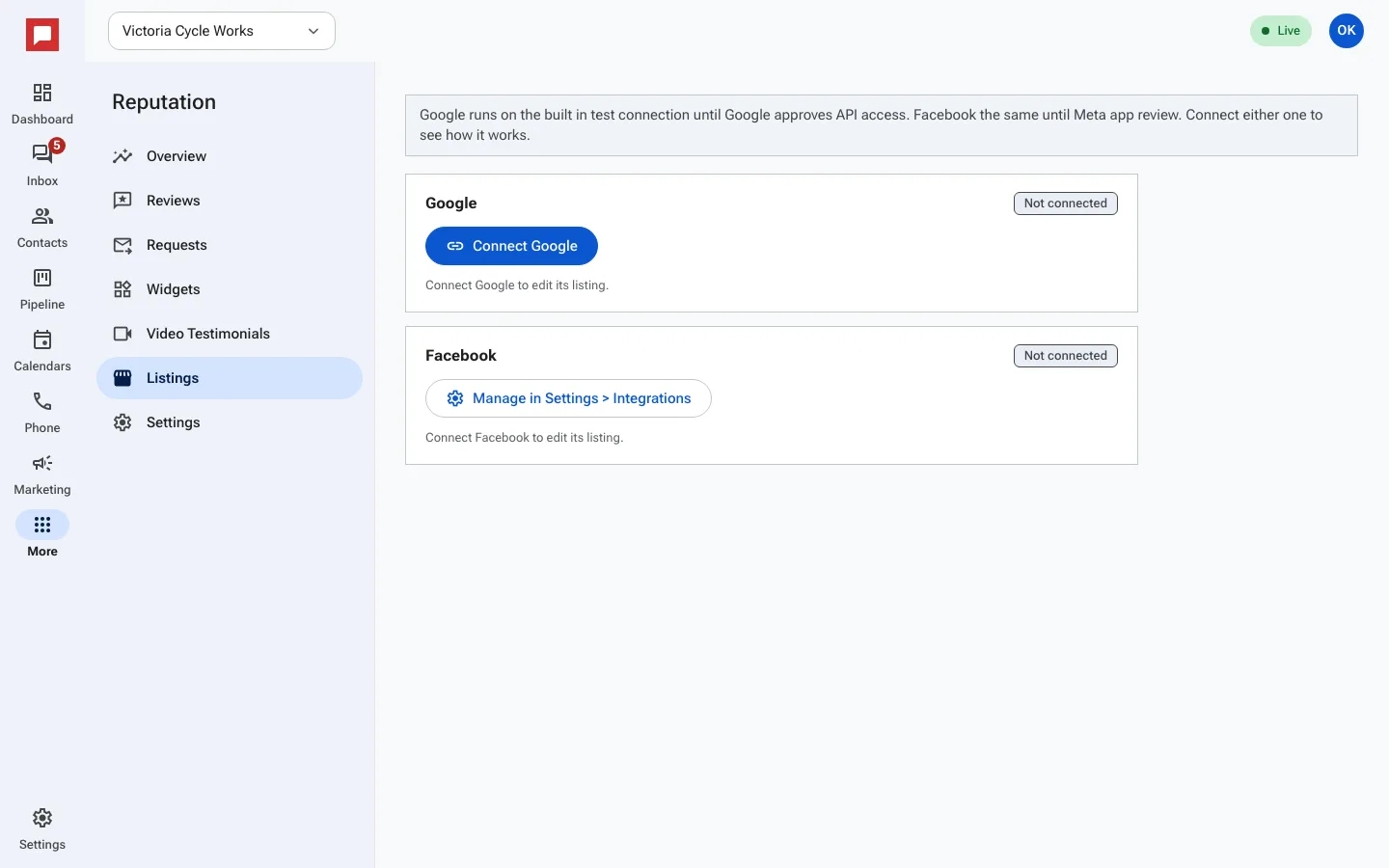
Steps
- Click More in the left icon rail, then Reputation.
- Open the Listings tab.
- On the Google card, click Connect Google and sign in to the Google account that manages your business profile.
- Facebook is connected once for the whole app: click Manage in Settings > Integrations and connect your Facebook Page there.
- Each card shows whether it is connected. Once connected, reviews from that listing arrive on the Reviews tab.
Good to know
- Google works on a built-in test connection until Google approves HowdyBell's access. Facebook works the same way until Meta finishes its app review.
- Reviews are checked for new activity every 15 minutes.