
Show reviews on your website
Create a styled widget to display your best reviews on any website.
A review widget lets you show your positive feedback on your website. It builds trust with new visitors who are considering your business.
Steps
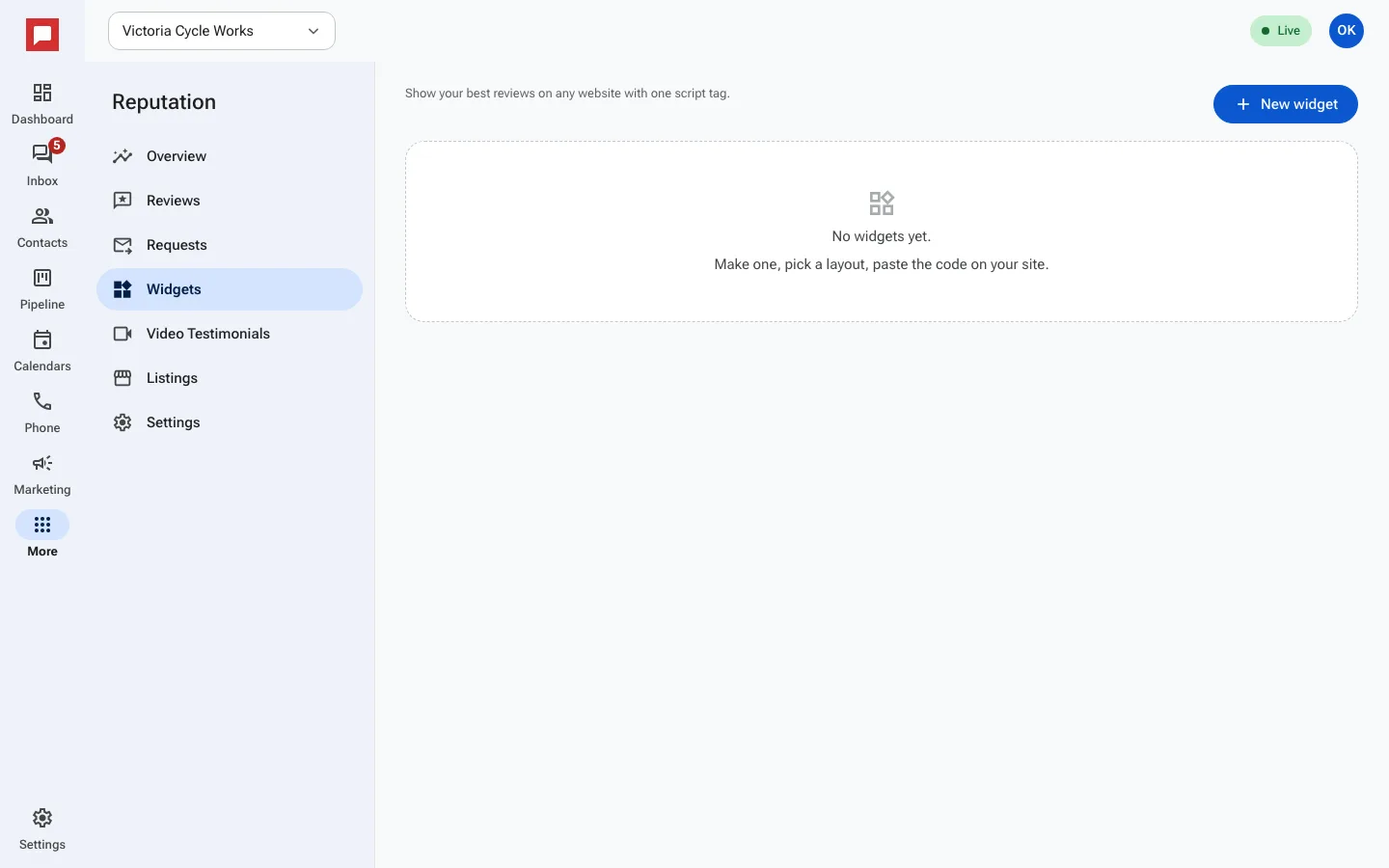
- Go to More in the left icon rail, then Reputation.
- Select the Widgets tab.
- Click New widget.
- Give your widget a name.
- Pick a Layout and colors.
- Set the Minimum rating to show.
- Save, then copy the Embed code under Embed this widget.
- Paste that code into your website.
Good to know
- You can include video testimonials in the widget if you have them.
- The widget updates automatically when you get new reviews.
- The code works on any website, not just HowdyBell sites.