
Collect video testimonials
Create a link for customers to record short video reviews for you.
Video testimonials add a personal touch to your marketing. You can ask customers to record a short video about their experience with your business.
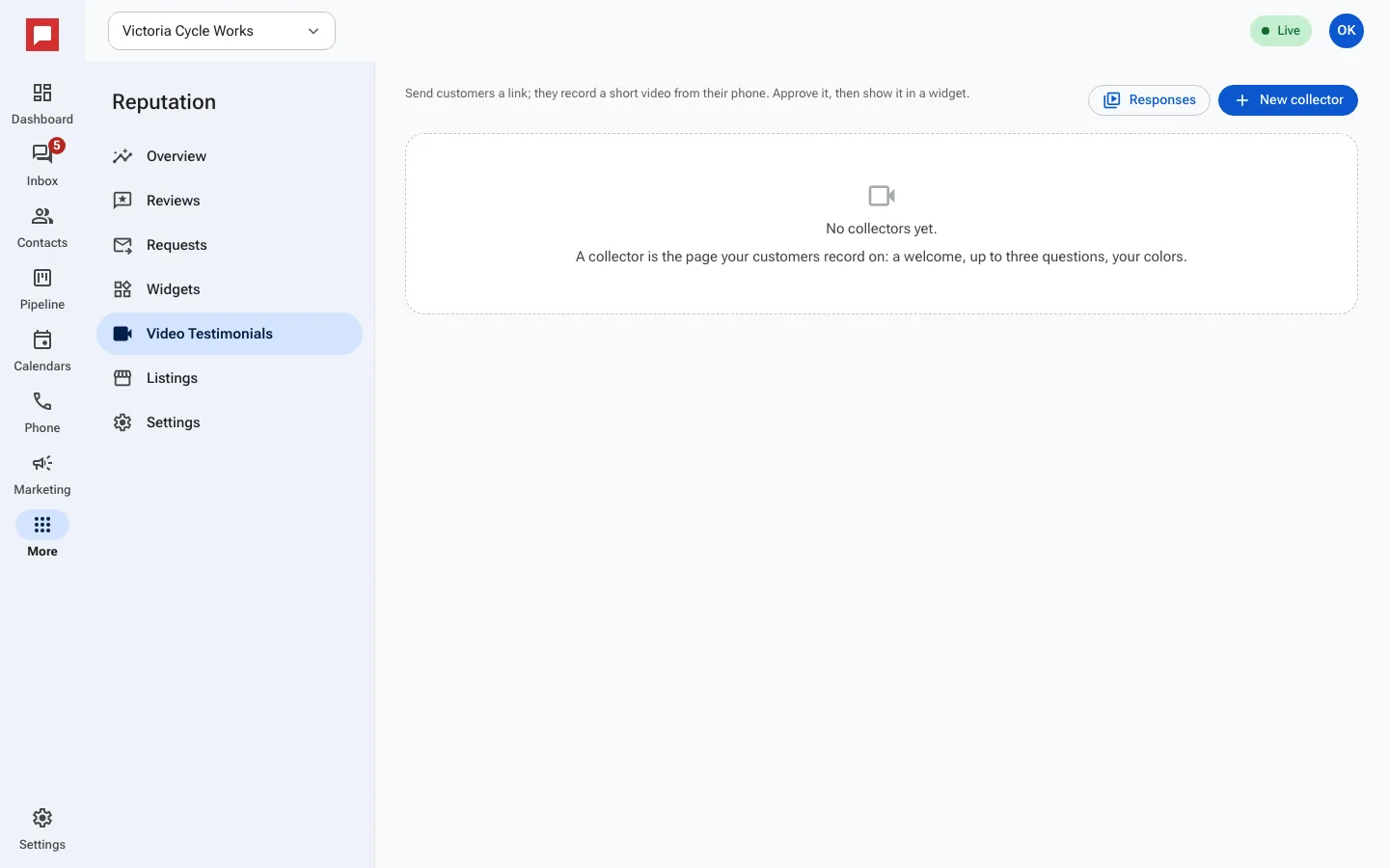
Steps
- Go to More in the left icon rail, then Reputation.
- Select the Video testimonials tab.
- Click New collector.
- Add a welcome title and message.
- Use Add question to list the questions the customer answers on camera.
- Choose a background and text color.
- Click Save.
- Copy the share link.
- Send the link to a happy customer by text or email.
Good to know
- With Publish automatically off, every video waits in Responses until you publish it.
- Use Email me each new video at to get an email when one arrives.
- The link works on any device, including phones.