
Read and reply to reviews
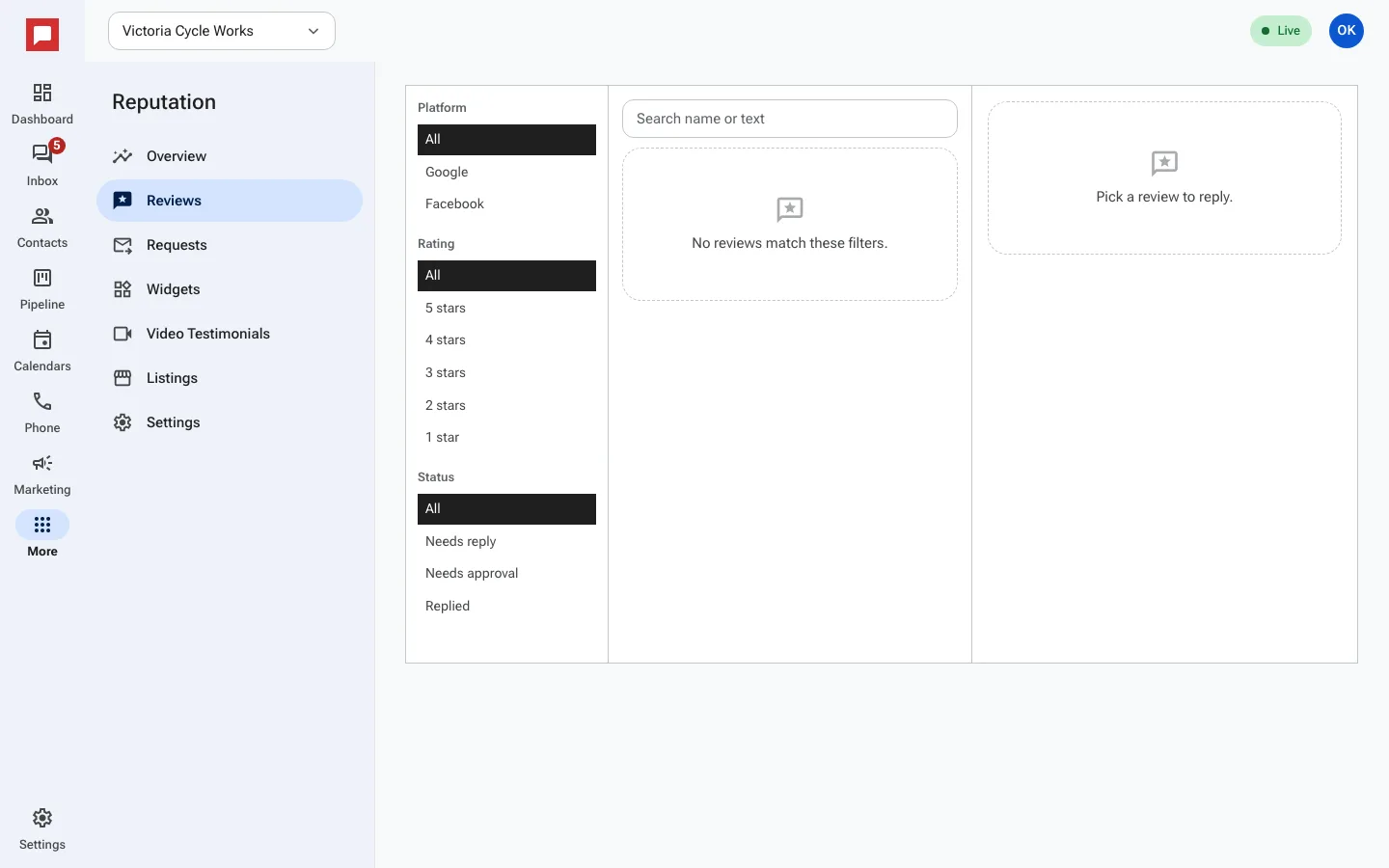
View reviews from Google and Facebook and reply with AI help or your own words.
This is your central inbox for all customer feedback. You can read new reviews and post replies directly from this screen.
Steps
- Go to More in the left icon rail, then Reputation.
- Select the Reviews tab.
- You will see a list of reviews from Google and Facebook.
- Click a review to open it.
- Type your reply in the box at the bottom.
- With AI set to Suggestive, ask for drafts: AI writes 4 replies, you pick one and edit it.
- Click Send to post your reply.
Good to know
- Reviews sync from Google and Facebook every 15 minutes.
- You can filter reviews by platform, rating, or reply status.
- Replies to 1 to 3 star reviews always wait for your approval, even on Auto-Pilot.
- Pick how AI helps on the Settings tab under Reviews AI: Off (you write every reply), Suggestive, or Auto-Pilot (AI posts replies to 4 and 5 star reviews on its own after a delay).
- Set a Daily AI spend cap (USD) there too.