
Build a website page
Learn how to create a new site, add pages, and publish your work to a live URL.
You can build a funnel or a website to capture leads and share information. This guide shows you how to start a new site and publish it.
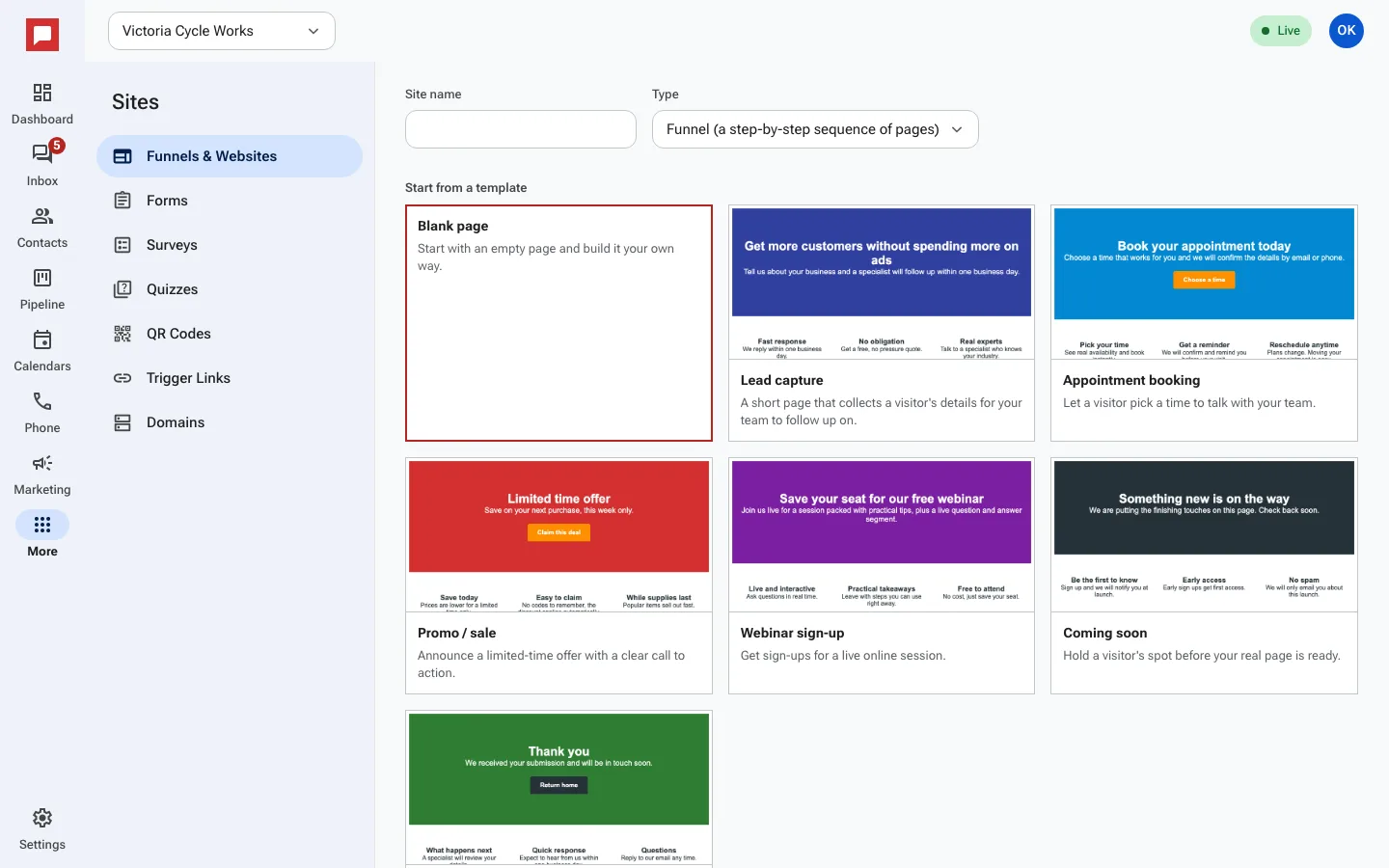
Steps
- Click More in the left icon rail, then Sites.
- Click New site.
- Enter a Site name.
- Choose Funnel (a step-by-step sequence of pages) or Website (a standalone set of pages).
- Select Start from a template or Blank page.
- Click Create site.
- Click Add page to add more pages to your site.
- Click Publish to get the site's web address.
Good to know
- You can start from a template or build from a blank page.
- Publishing gives you a live web address for your site.
- You can add pages to a funnel or a website.