
Connect your own domain
Add a custom domain to your site and verify it with DNS records.
You can connect your own domain to your site. This lets you use a custom web address for your pages.
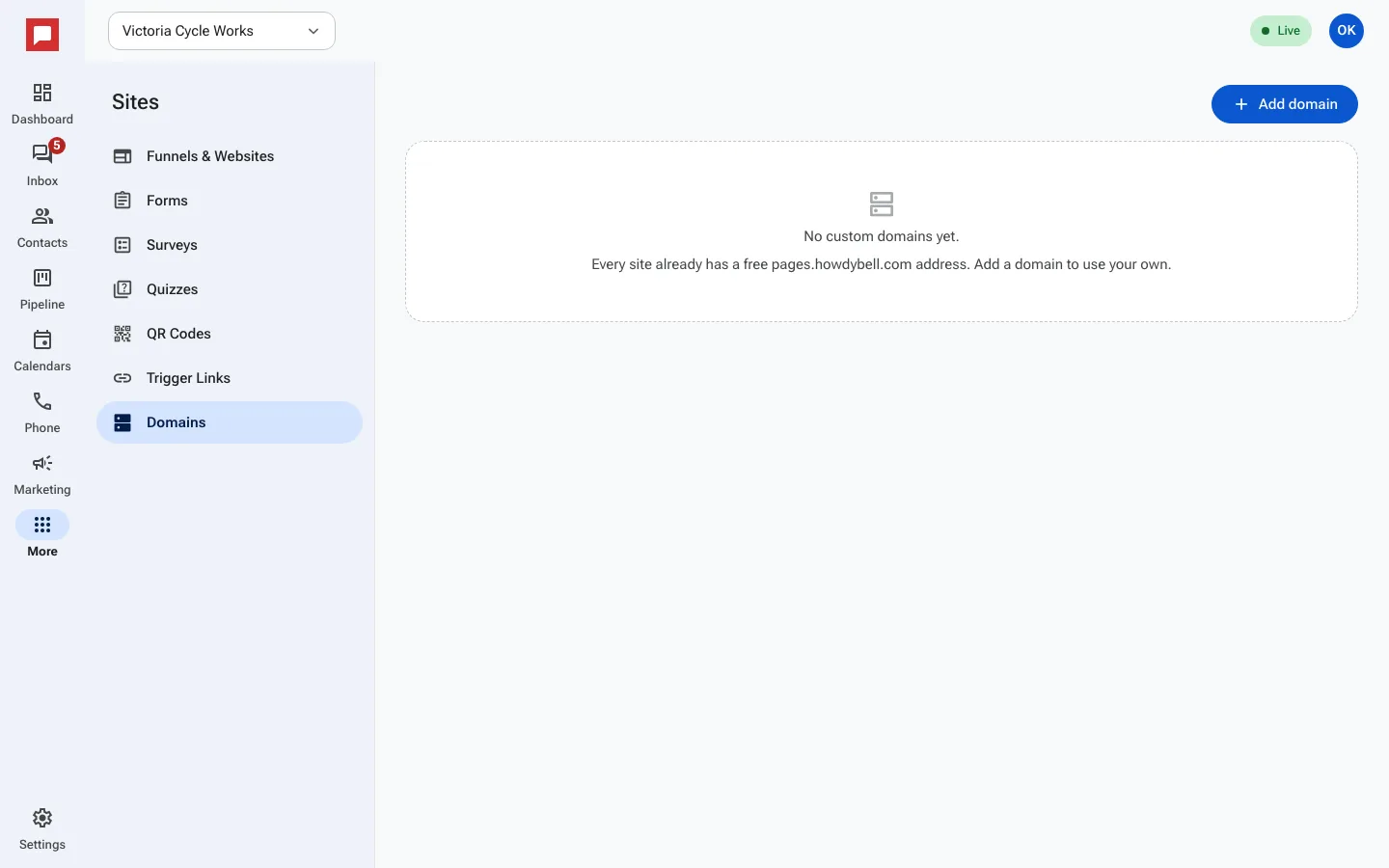
Steps
- Click More in the left icon rail, then Sites.
- Select the Domains tab.
- Click Add domain.
- Enter your domain name.
- Copy the DNS instructions for the CNAME and TXT records.
- Add these records at your domain provider.
- Click Done to start verification.
- Wait for the domain status to change to Active.
Good to know
- Your domain must point to HowdyBell using a CNAME record.
- You must add a TXT record to verify you own the domain.
- The domain status will show Pending DNS, Verifying, or Active.