
Create a form
Build a form to capture leads, add fields, and view submissions in your contacts.
Forms help you collect information from visitors. You can place a form on a page or embed it on your own website.
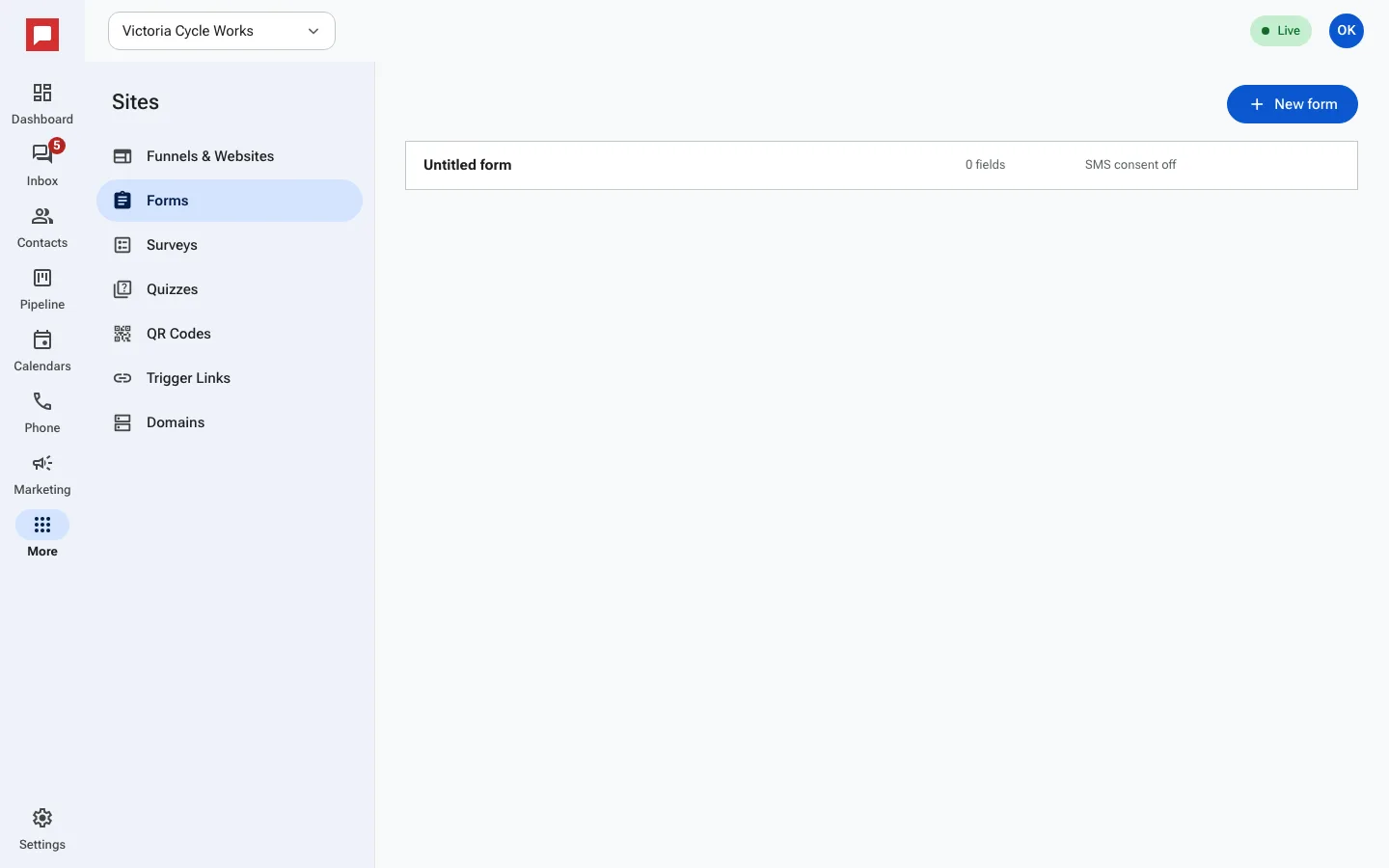
Steps
- Click More in the left icon rail, then Sites.
- Select the Forms tab.
- Click New form.
- Add fields from the left panel to the canvas.
- Set field options like Required and Width.
- Configure On submit actions such as Redirect URL (optional) or Thank-you message.
- Click Save.
- Copy the Embed code to place the form on your own site.
Good to know
- Submissions create or update contacts in your CRM.
- You can apply tags to contacts when they submit the form.
- The form can capture SMS consent if you enable it.
- You can view all submissions in the Submissions tab.