
Create surveys and quizzes
Build multi-step surveys and scored quizzes to segment your leads by their answers.
Surveys and quizzes help you ask questions and score responses. You can use them to segment leads and provide personalized results.
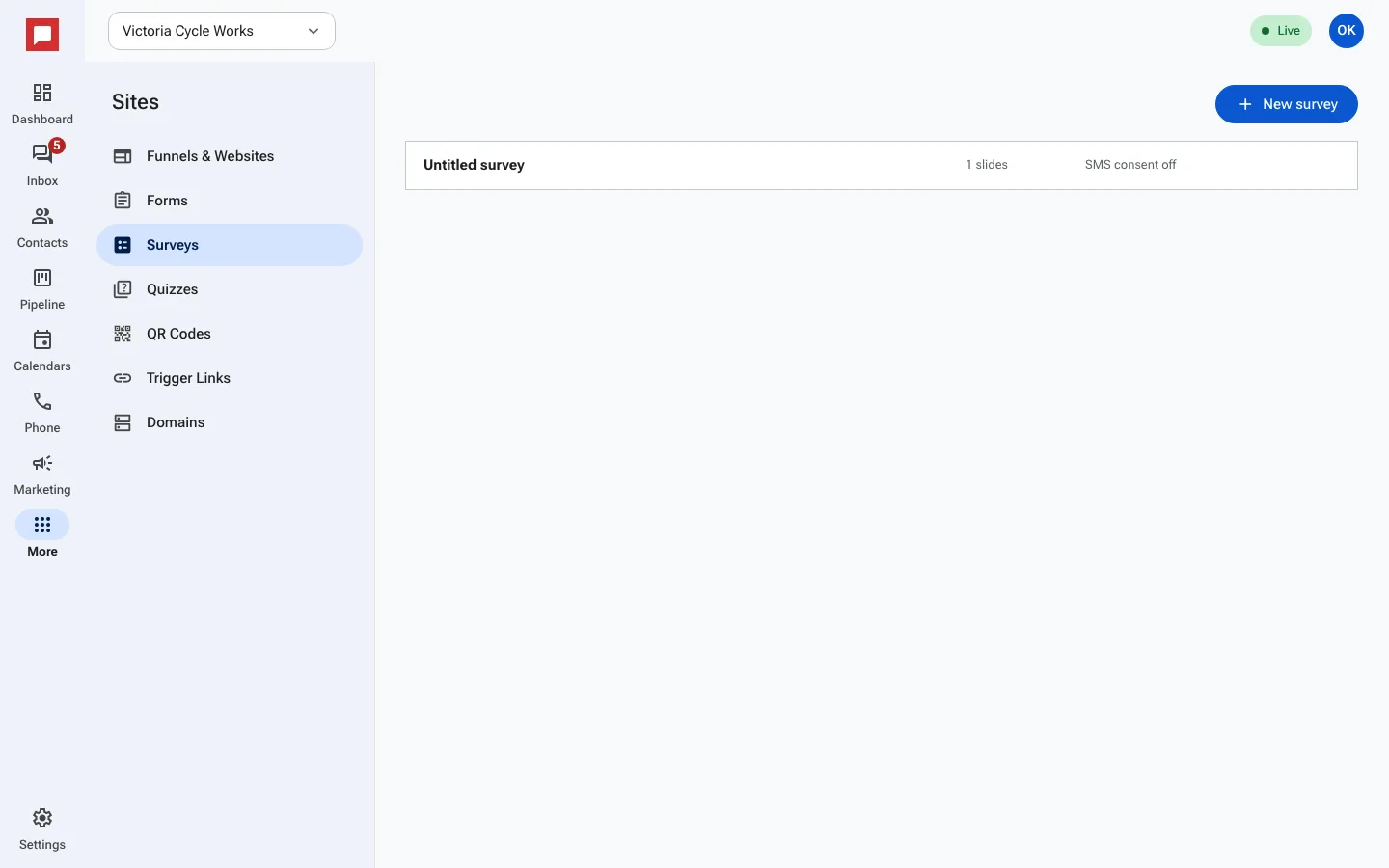
Steps
- Click More in the left icon rail, then Sites.
- Select the Surveys or Quizzes tab.
- Click New survey (or New quiz on the Quizzes tab).
- Add questions or slides to your survey or quiz.
- For quizzes, set Points for each answer option.
- For quizzes, define Outcomes based on score ranges.
- Click Save.
- Embed the survey or quiz on a page or your own site.
Good to know
- Surveys support multi-step questions with branching logic.
- Quizzes can score answers and show different results based on the total score.
- You can view submissions in the Survey submissions or Quiz submissions tabs.