
Add custom fields
Create extra fields to store unique details on contacts.
Custom fields let you store extra information that does not fit in the standard fields. This is useful for tracking specific details about your customers.
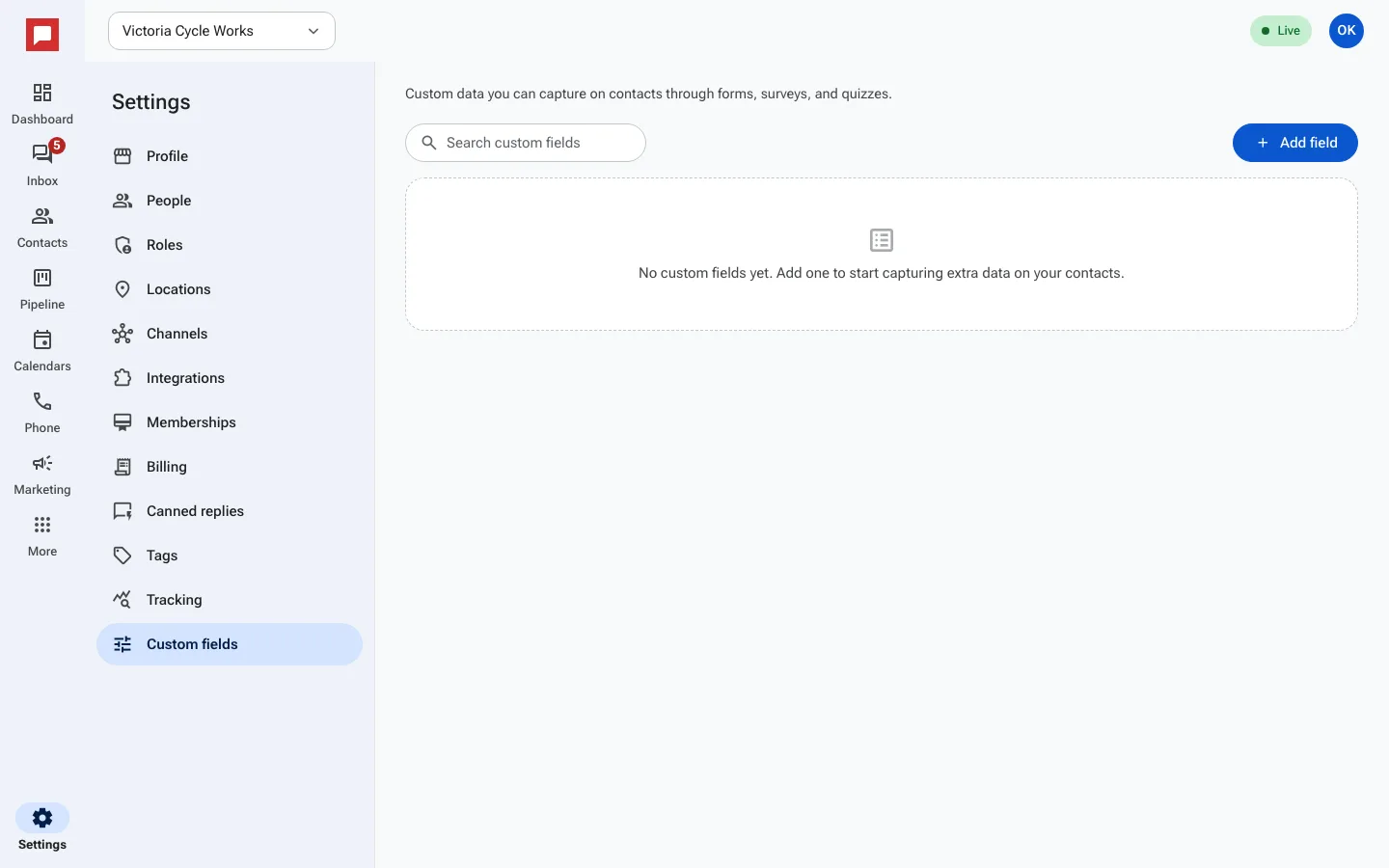
Steps
- Go to Settings.
- Click Custom fields.
- Click Add field.
- Enter a name for the field, such as Trade-in year or Preferred contact time.
- Choose the type of data you want to store.
- Save the field.
- You can now add this field to contact records.
Good to know
- Custom fields appear on the contact record.
- You can use custom fields in filters and smart lists.
- Forms, surveys and quizzes can fill custom fields when a customer submits them.