
Organize contacts with tags and smart lists
Use tags and filters to group contacts for easier management.
Tags and smart lists help you find the right people quickly. You can group contacts by interest, status, or any other detail.
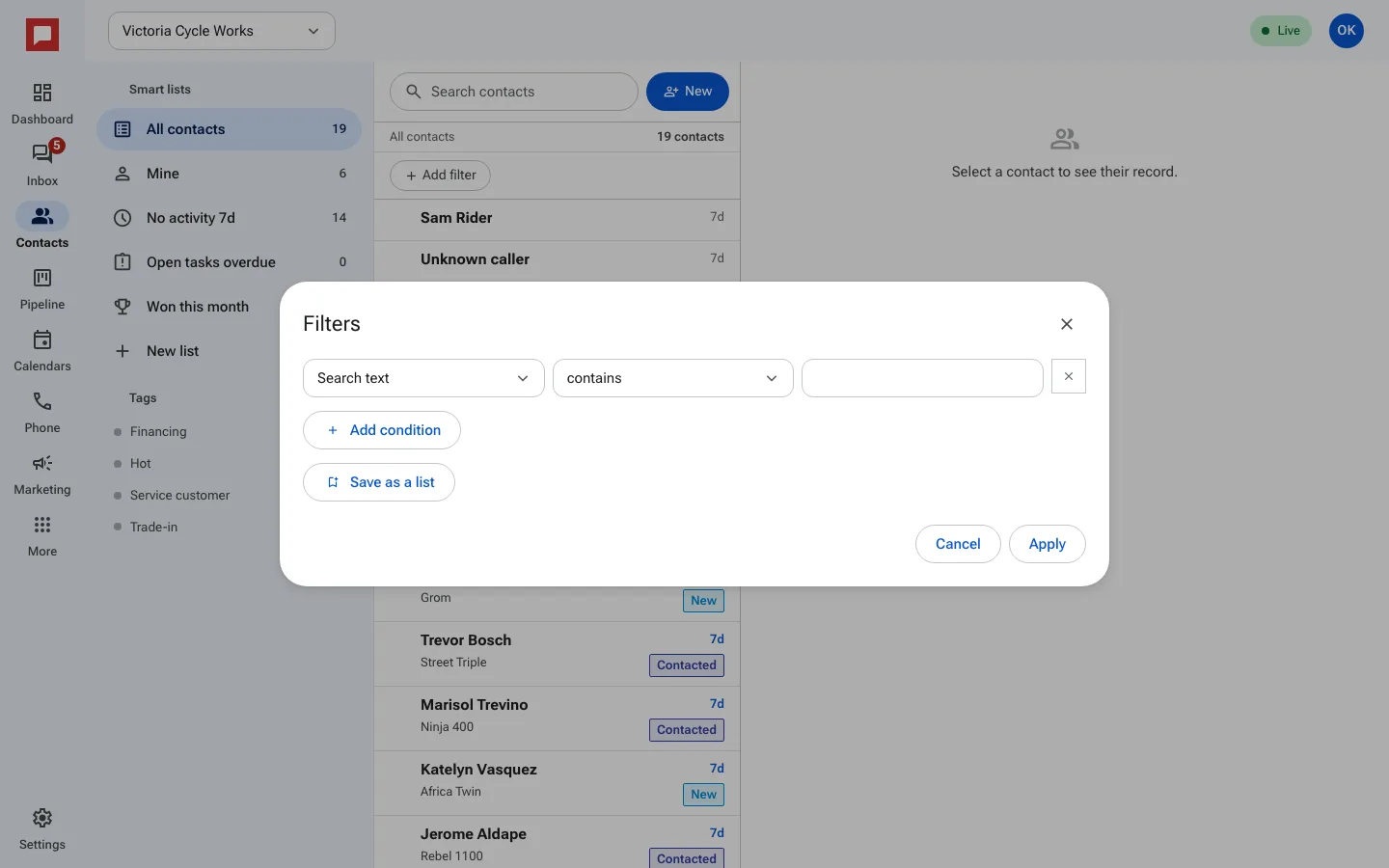
Steps
- Go to the Contacts page.
- Click Add filter to start building a list.
- Choose a Condition such as Tags or Owner.
- Select the specific value, like a tag name or a person.
- Click Add condition to add more rules.
- Choose who can see this list. Select Shared with the location or Just me.
- Click Save as a list to keep this filter for later.
- Use the Smart lists section to view saved lists.
Good to know
- Smart lists update automatically as contacts change.
- You can hide lists you do not use often.
- Tags are great for quick categorization.