
Sign in to HowdyBell
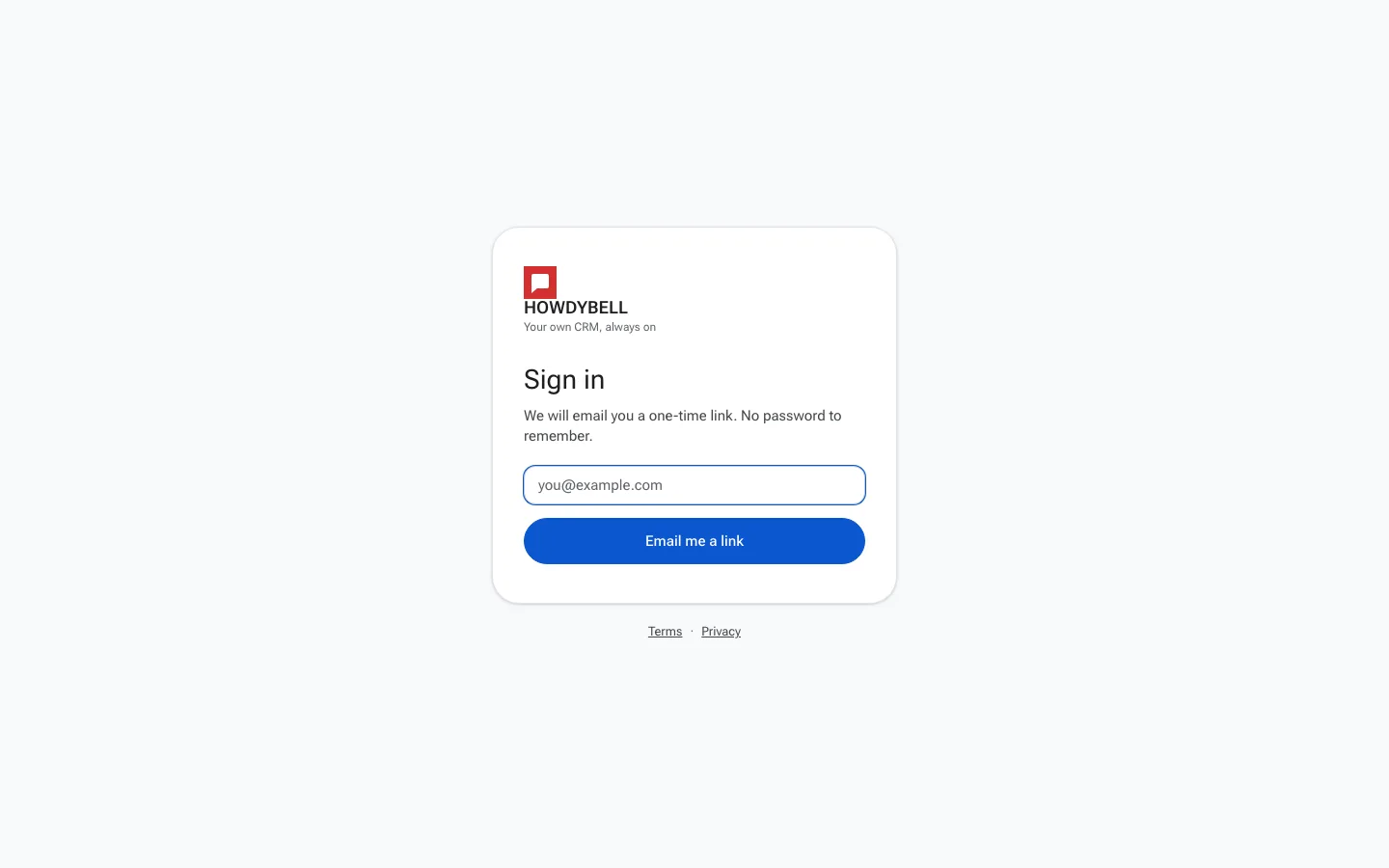
Sign in with a one-time email link. There is no password to remember.
HowdyBell signs you in with a one-time link sent to your email, so there is no password to remember or reset.
Steps
- Go to howdybell.com/login.
- Type the email address your team invited you with.
- Click Email me a link.
- Open the email from HowdyBell and click the sign in link.
- If your email belongs to more than one account (for example, your own business and a client account), pick one on the Choose an account screen.
- HowdyBell opens your workspace.
Signing out
Click your round avatar at the top right, then click Sign out.
Good to know
- Each link works once. If you see Link expired, go back to the sign in page and ask for a new one.
- No email after a few minutes? Check your spam or promotions folder, and make sure you typed the same address your team invited.
- You can sign in on as many devices as you like with the same email.
- Still locked out? Email [email protected].