
Give certificates
Create certificate templates and issue them when members finish a course.
Certificates recognize your members for completing a course. You design a template with your logo and signature. The system generates a PDF when a member finishes. This adds value to your training.
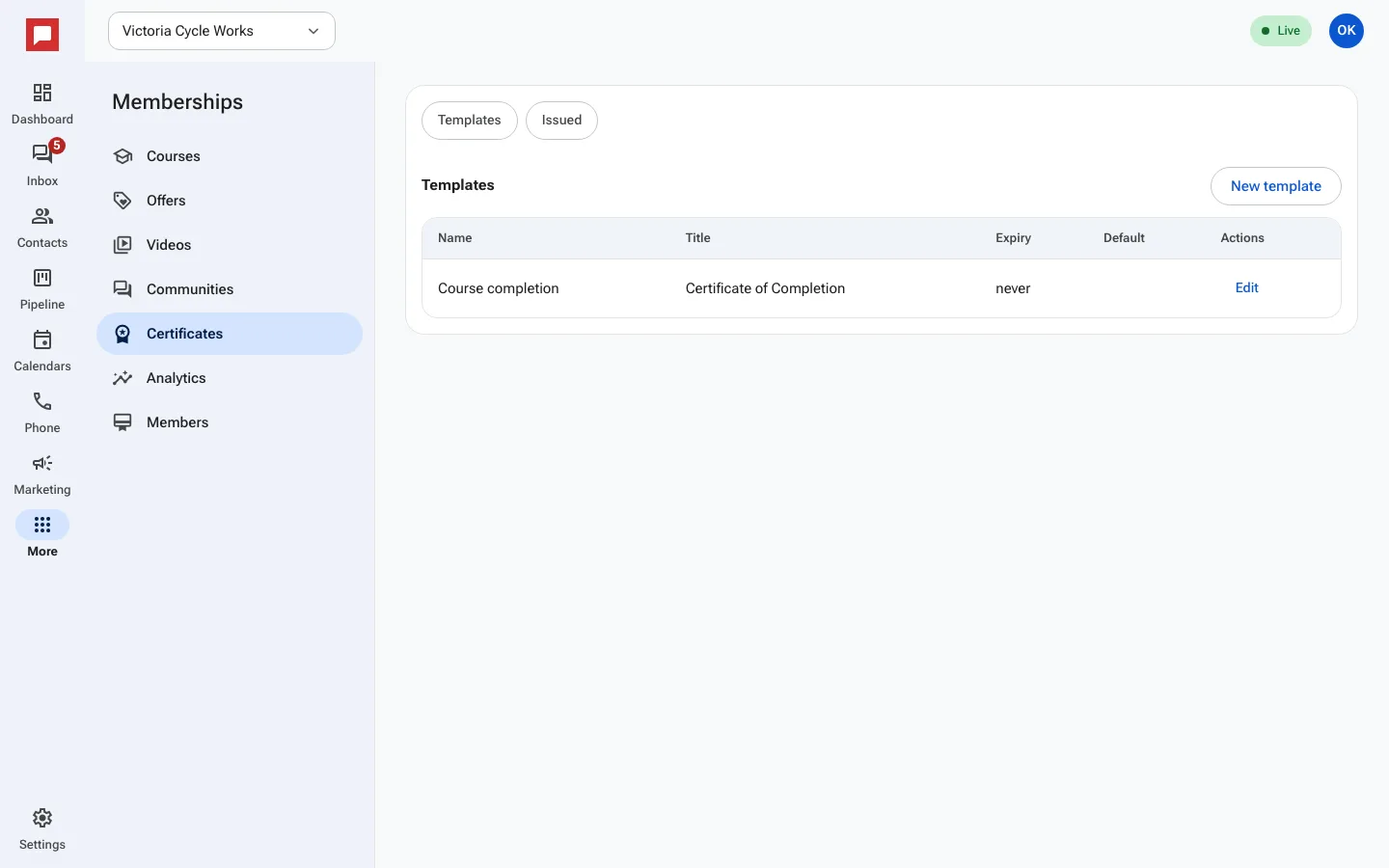
Steps
- Go to More in the left icon rail, then Memberships.
- Select Certificates from the menu.
- Click New template to design a certificate.
- Enter a name for the template.
- Upload your Logo URL and set an Accent color.
- Add a Signature name and Signature title.
- Set Expiry days if the certificate should expire.
- Save the template and link it to a course.
- Members receive the PDF when they complete the course.
Good to know
- Certificates are generated as PDF files.
- You can set an expiration date for the certificate.
- Members can download their certificate from the portal.
- You can create multiple templates for different courses.