
Create a course
Build a course with modules, lessons, videos, and drip schedules to teach your members.
A course is a structured collection of lessons. You can organize content into modules and control when members see each part. This helps you deliver training that feels personal and paced.
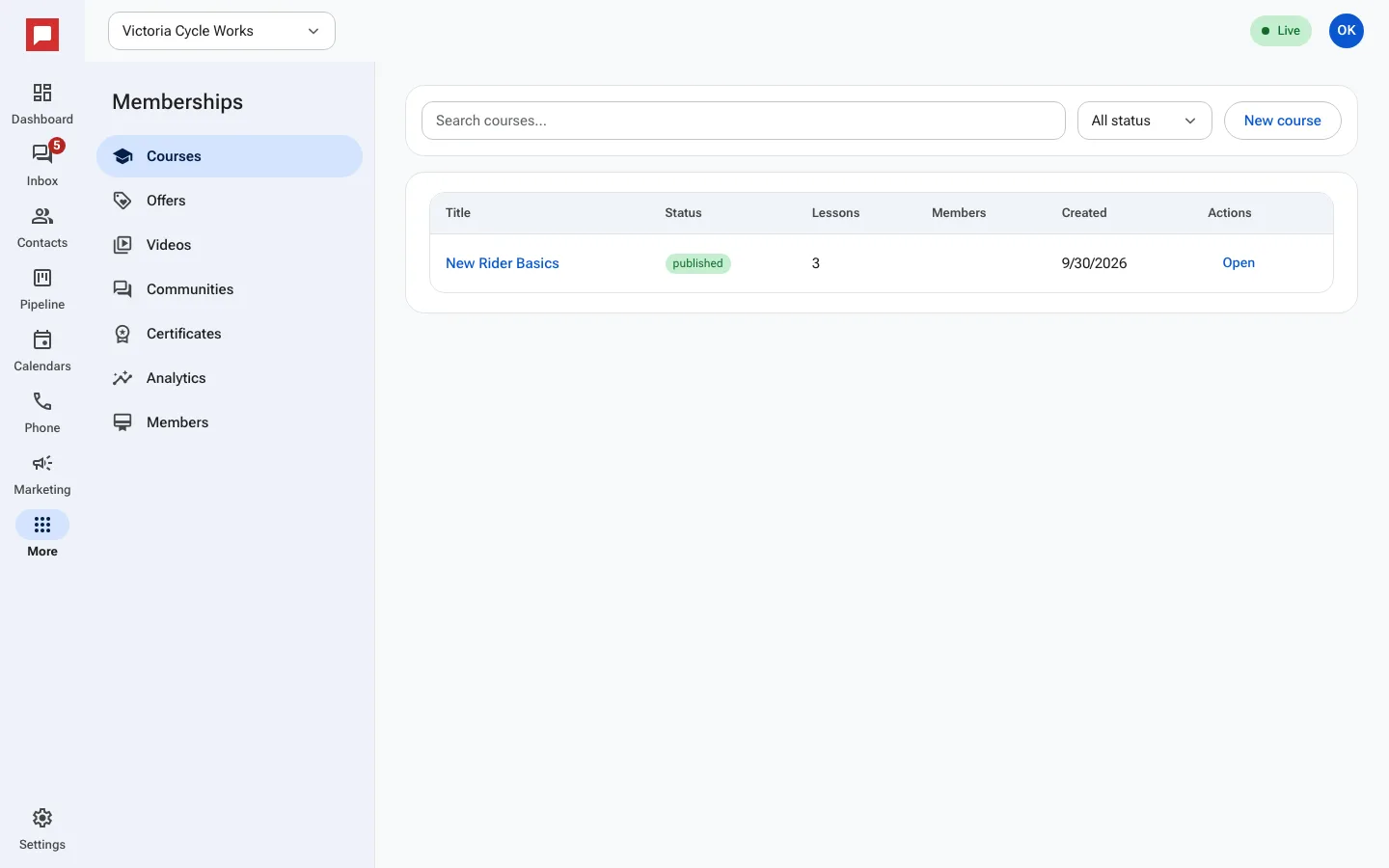
Steps
- Go to More in the left icon rail, then Memberships.
- Select Courses from the menu.
- Click New course to start a blank course.
- Enter a Course title and a Short description.
- Add a Category title to create your first module.
- Click Add lesson inside that module.
- Choose the lesson type, such as Video, Text, or Audio.
- Set Drip days if you want the lesson to unlock after a delay.
- Save the course and publish it when ready.
Good to know
- Drip days control when a lesson becomes visible to a member.
- Courses can also have quizzes and assignments.
- Members see their progress as they complete lessons.
- You can edit lessons at any time.