
Sell access with offers
Create paid or free offers that bundle courses and grant member access.
An offer is how you sell access to your courses. You can set a price, choose a billing model, and decide which courses are included. Members pay once or subscribe to get in.
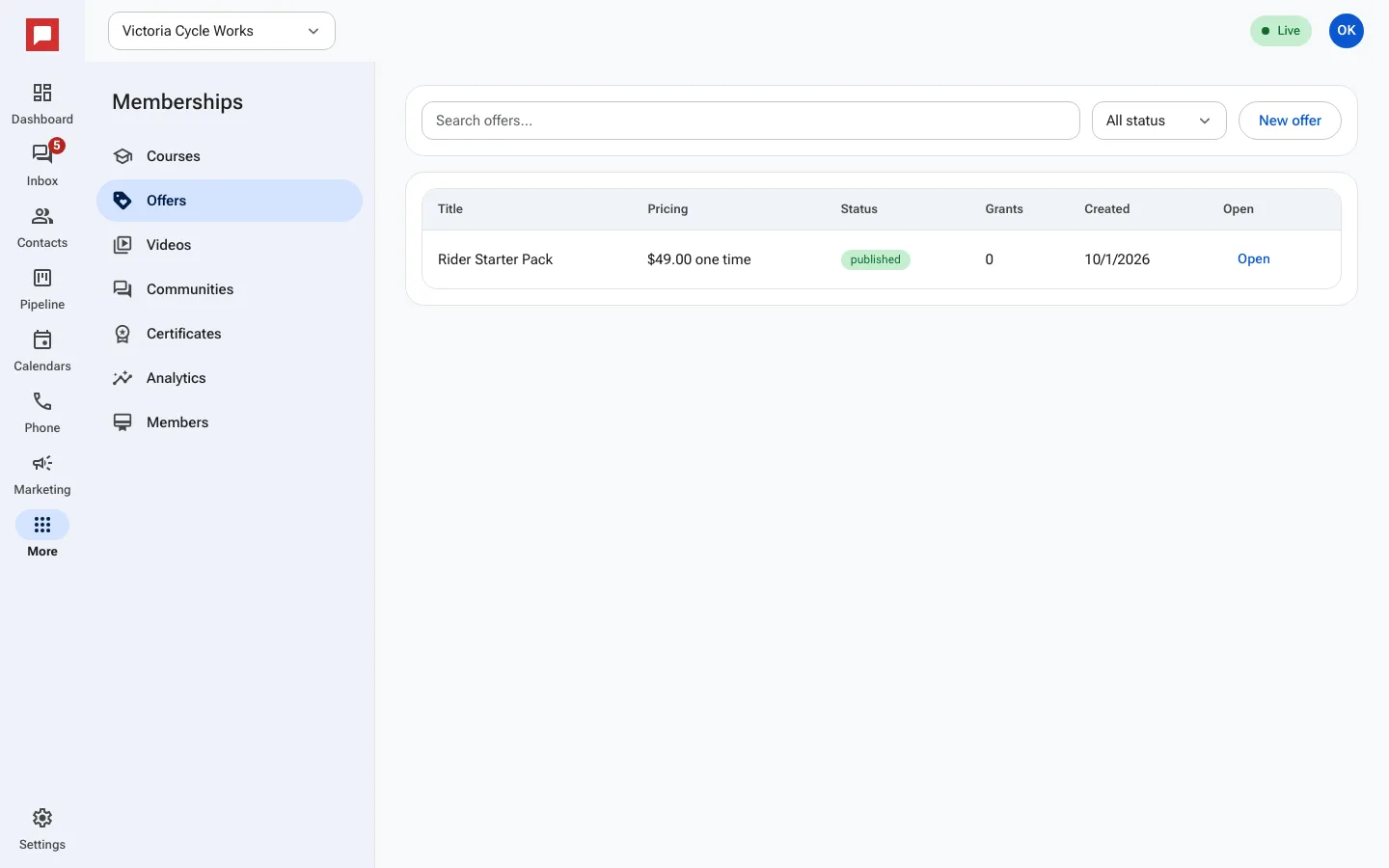
Steps
- Go to More in the left icon rail, then Memberships.
- Select Offers from the menu.
- Click New offer to create a new bundle.
- Enter an Offer title and a description.
- Set the Pricing model to One time or Recurring.
- Enter the Price (USD) and any Setup fee (USD).
- Select the Courses in this offer that members will access.
- Choose to Send welcome email after purchase.
- Publish the offer to make it available for checkout.
Good to know
- Free offers do not require payment.
- Tick Allow coupons to accept discount codes on a paid offer.
- Turn on Show as upsell to show the offer, locked, to members who do not have it yet.
- Access is granted automatically after a successful payment.