
Run a community
Create groups with channels, posts, and roles to engage your members.
A community is a space for your members to connect. You can create groups with different channels for topics. Members can post, comment, and like content. You control who can join and what they can see.
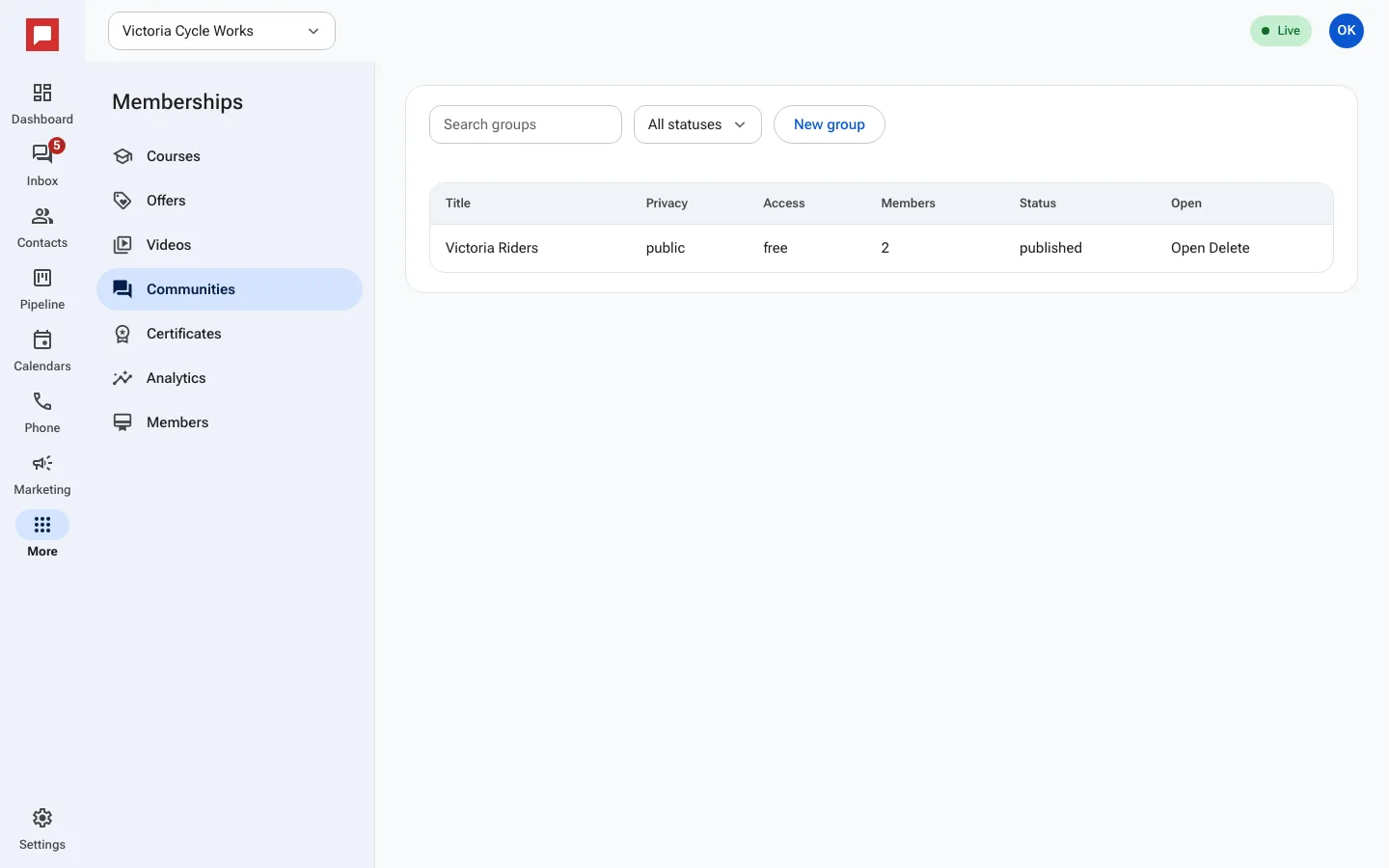
Steps
- Go to More in the left icon rail, then Memberships.
- Select Communities from the menu.
- Click New group to create a community space.
- Enter a name and description for the group.
- Click Add channel to create a topic area.
- Set the Privacy of the channel to public or private.
- Assign roles like Owner, Admin, or Contributor to members.
- Post an Announcement to welcome new members.
- Save your group settings and share the link.
Good to know
- Private groups require approval to join.
- Members can like posts and leave comments.
- Roles control what members can do in the group.