
Add actions, waits and conditions
Build your workflow by adding messages, delays, and decision branches.
Actions are the steps your workflow takes. Waits add delays. Conditions create branches based on data.
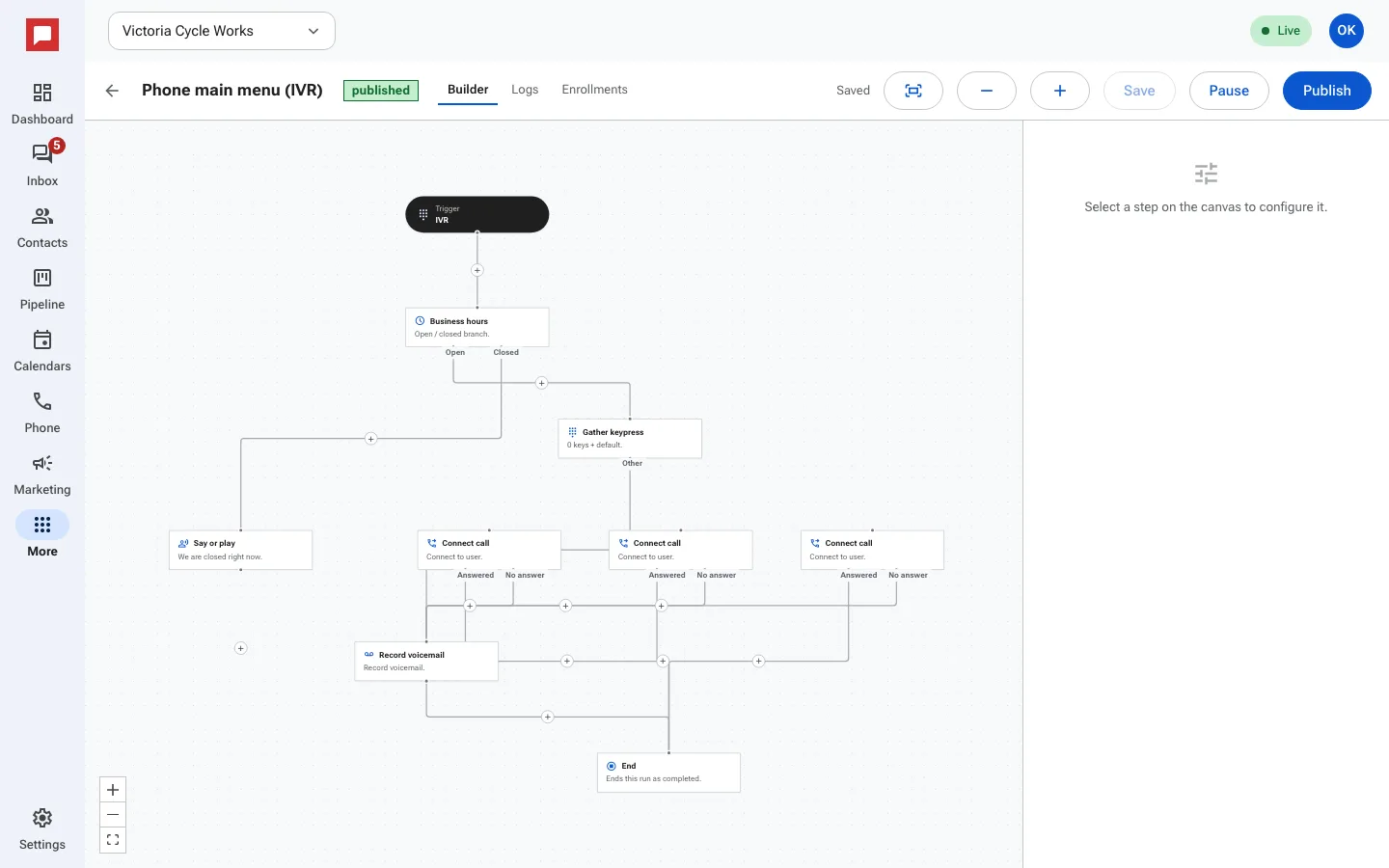
Steps
- Click the plus sign between nodes to add a step.
- Choose an action like Send text or Send email.
- Write your message in the Body field.
- Add a Wait step to pause the workflow.
- Choose how long: a set time, until a date and time, or until the contact replies or something else happens.
- Add an If / else step to create branches.
- Set conditions using contact fields or tags.
- Add steps under each of the two branches.
Good to know
- A wait for a date that has already passed does not hold anyone up.
- Sends inside a workflow respect quiet hours.
- Each branch can have its own sequence of actions.