
Choose what starts a workflow
Pick the event that kicks off your workflow, like a new contact or a form submission.
A trigger is the first step in any workflow. It tells the system when to start the automation.
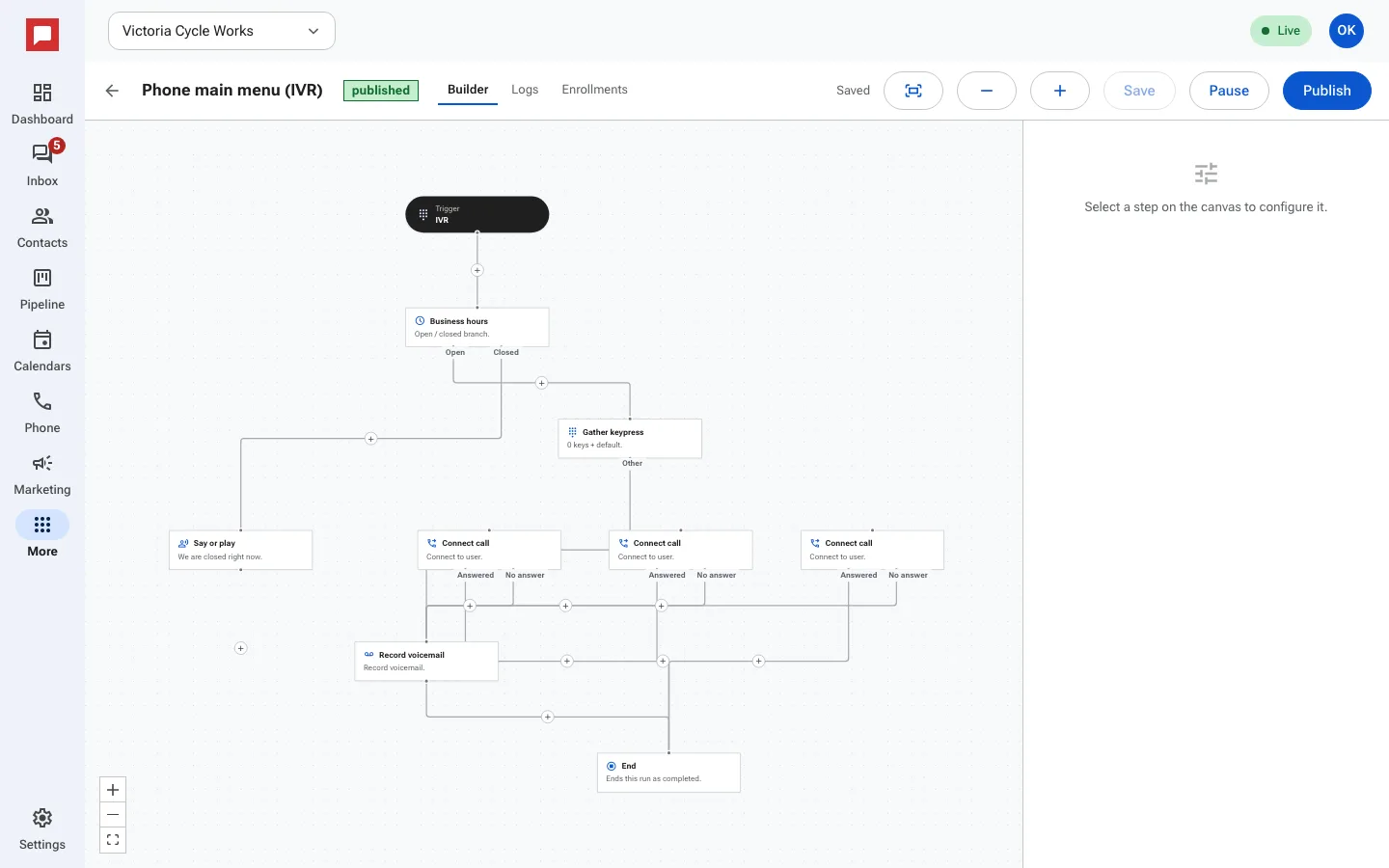
Steps
- Open your workflow in the builder.
- Click the Trigger node at the top of the canvas.
- Select a trigger type from the list.
- Common triggers include Contact created, Tag added, and Form submitted.
- You can also use Appointment booked or Inbound webhook.
- Add filters if needed, such as a specific tag or form.
- Save your changes.
Good to know
- Triggers fire automatically when the event happens.
- You can filter triggers to match specific conditions.
- You can also enroll contacts yourself, or from another workflow with the enroll in workflow step.