
Use AI steps in a workflow
Add AI steps to write messages or make decisions automatically.
AI steps help you create personalized messages or route contacts based on their intent. Each workspace has a daily AI spending cap.
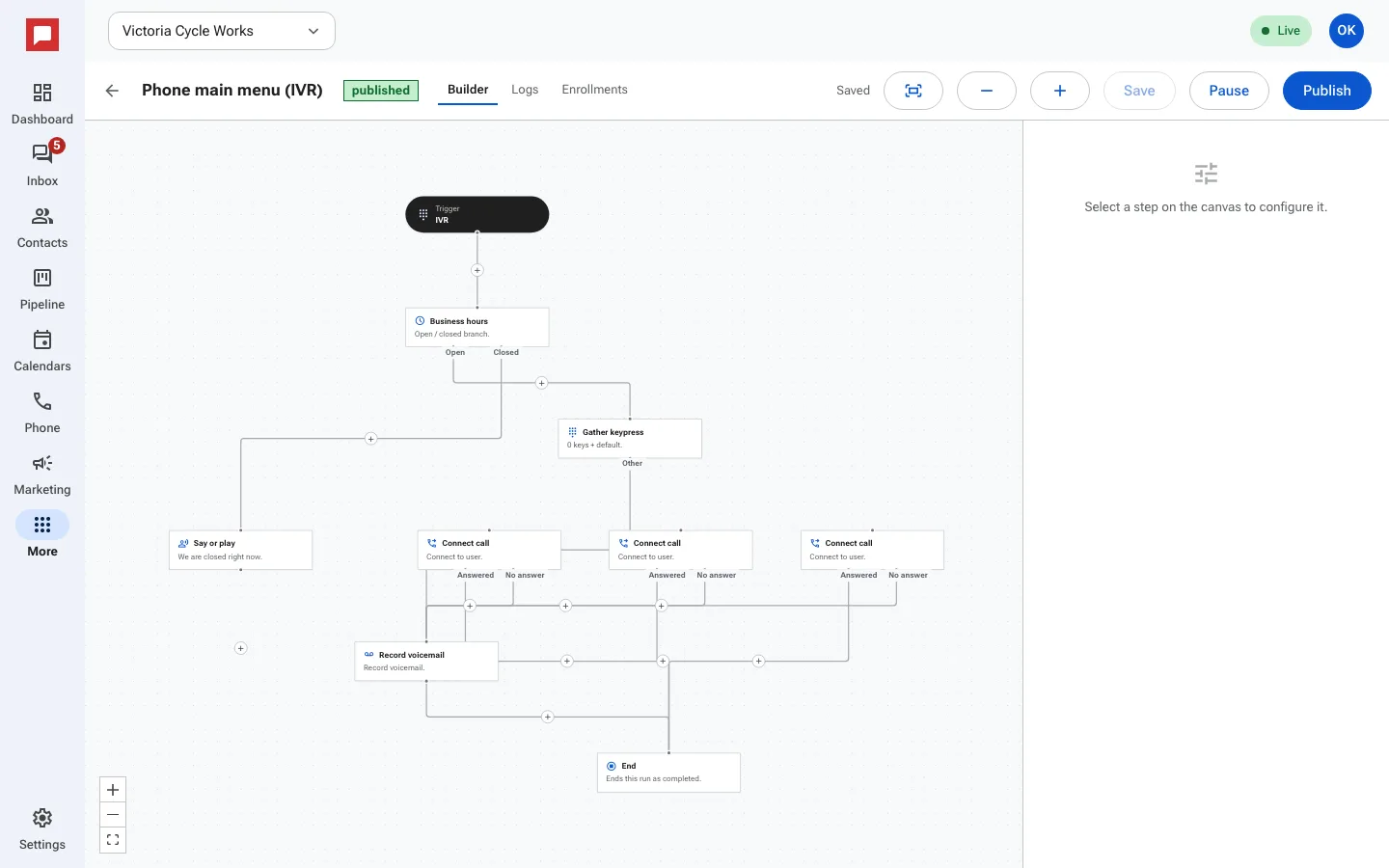
Steps
- Click the plus sign to add a step.
- Select AI: write a message or AI: decide.
- For write steps, enter a Prompt describing the message.
- The AI output becomes the body of the next send action.
- For decide steps, define labeled branches.
- The AI picks the best branch based on context.
- Connect each branch to the next step.
- Save your workflow.
Good to know
- AI steps have a daily spend cap per workspace.
- The default cap is $1.00 per day.
- If the cap is reached, the contact follows the cap reached branch instead, so add a plain text step there.
- AI steps use contact history and tags for context.