
Track calls with number pools
Rotate phone numbers on your website to track which source brings the most calls.
Number pools let you show different phone numbers to different visitors. This helps you see which marketing channel drives the most calls. You add a snippet to your website to make it work.
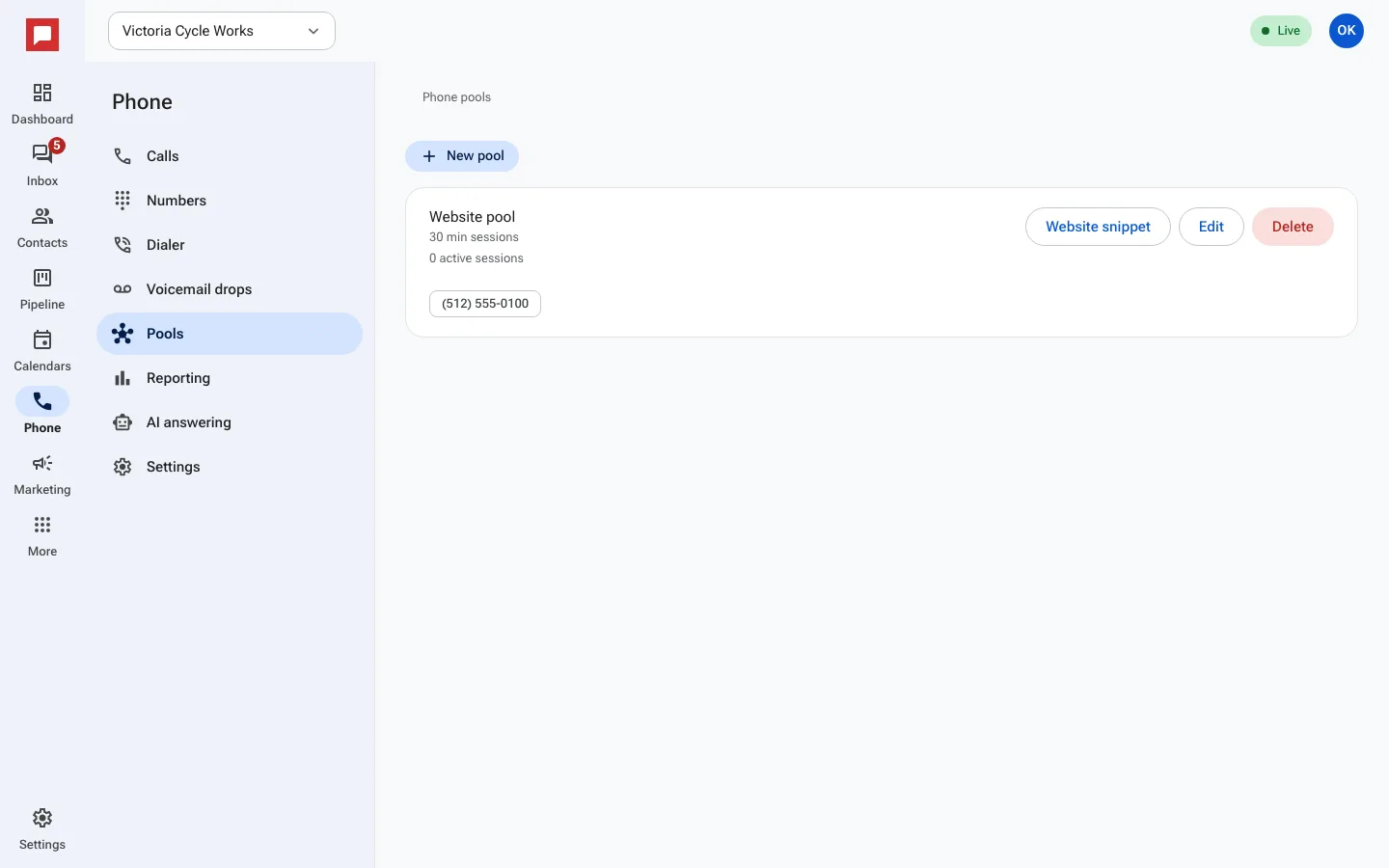
Steps
- Click Phone in the left icon rail.
- Select the Pools tab.
- Click New pool.
- Enter a Name like "Website visitors".
- Add numbers to the pool.
- Click Website snippet and copy the code.
- Paste the snippet into your website code.
- Visitors will see a number from the pool.
- Calls are tracked and attributed to the pool.
- View results in the Reporting tab.
Good to know
- If no numbers are in the pool, visitors see your default number.
- Pools help you compare performance of different ads or pages.
- You can edit which numbers are in a pool at any time.
- The snippet rewrites the phone number element on your page.