
Call down a list with the power dialer
Dial a list of contacts one by one and log the result of each call.
The power dialer helps your team work through a list of contacts quickly. It dials the next person automatically after you finish a call. This saves time and keeps your notes organized.
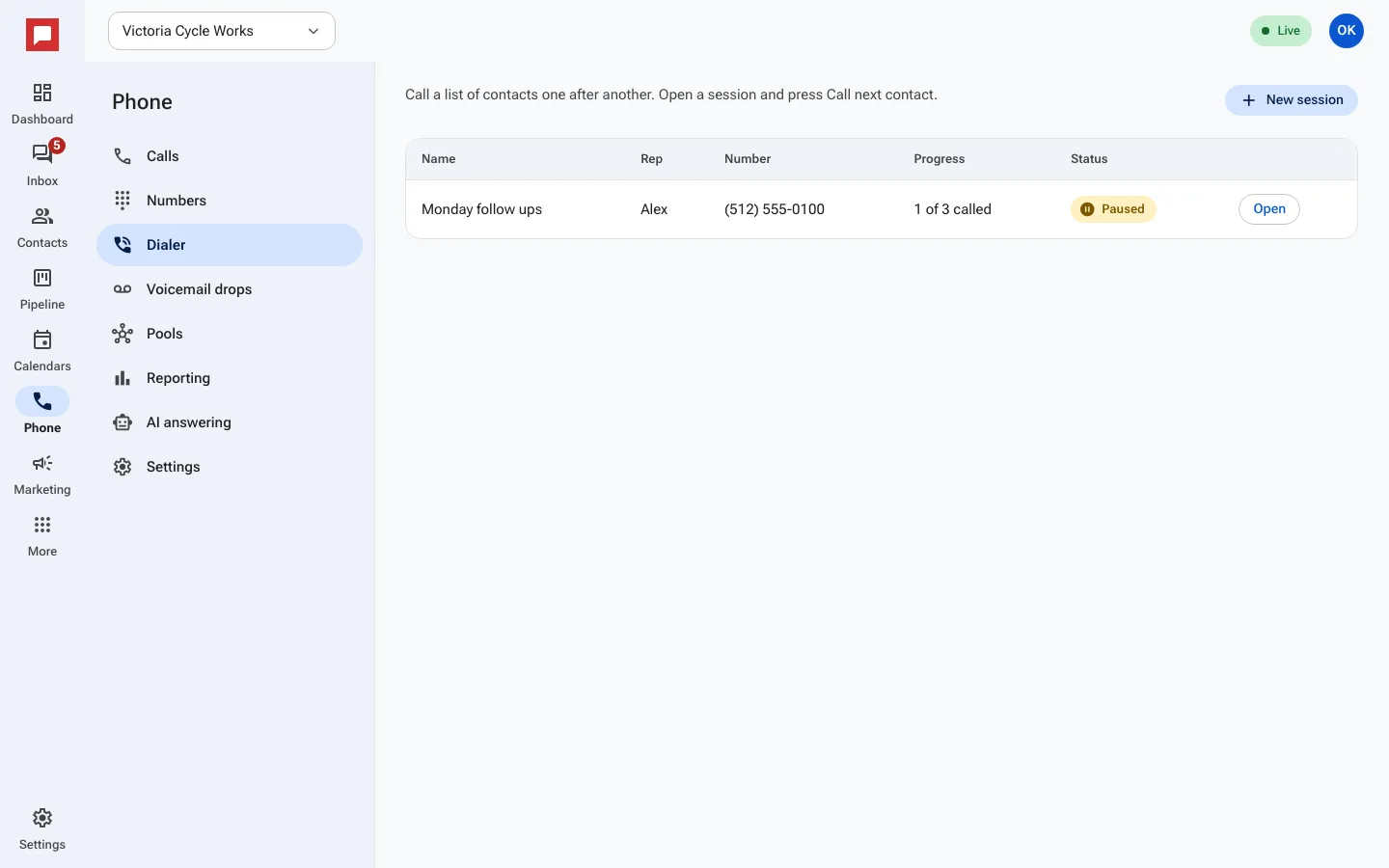
Steps
- Click Phone in the left icon rail.
- Select the Dialer tab.
- Click New session.
- Enter a Session name like "Morning follow-ups".
- Choose the Caller id number to use, and a Voicemail drop if you have one.
- Select the list of Contacts to call.
- Click Start to begin the session.
- The dialer rings the first contact.
- After the call, pick a Disposition like "Interested" or "Callback".
- Add Notes if needed.
- Click Next to dial the next person.
- Use Pause or End session when you are done.
Good to know
- Dispositions help you track why a call ended.
- You can see progress in the Progress column.
- The dialer tracks Session minutes for reporting.
- Only users with permission to make calls can start a session.