
Manage tags
Create, rename, or delete tags to organize your contacts and workflows.
Tags help you sort contacts into groups. You can use them in workflows, forms, and smart lists.
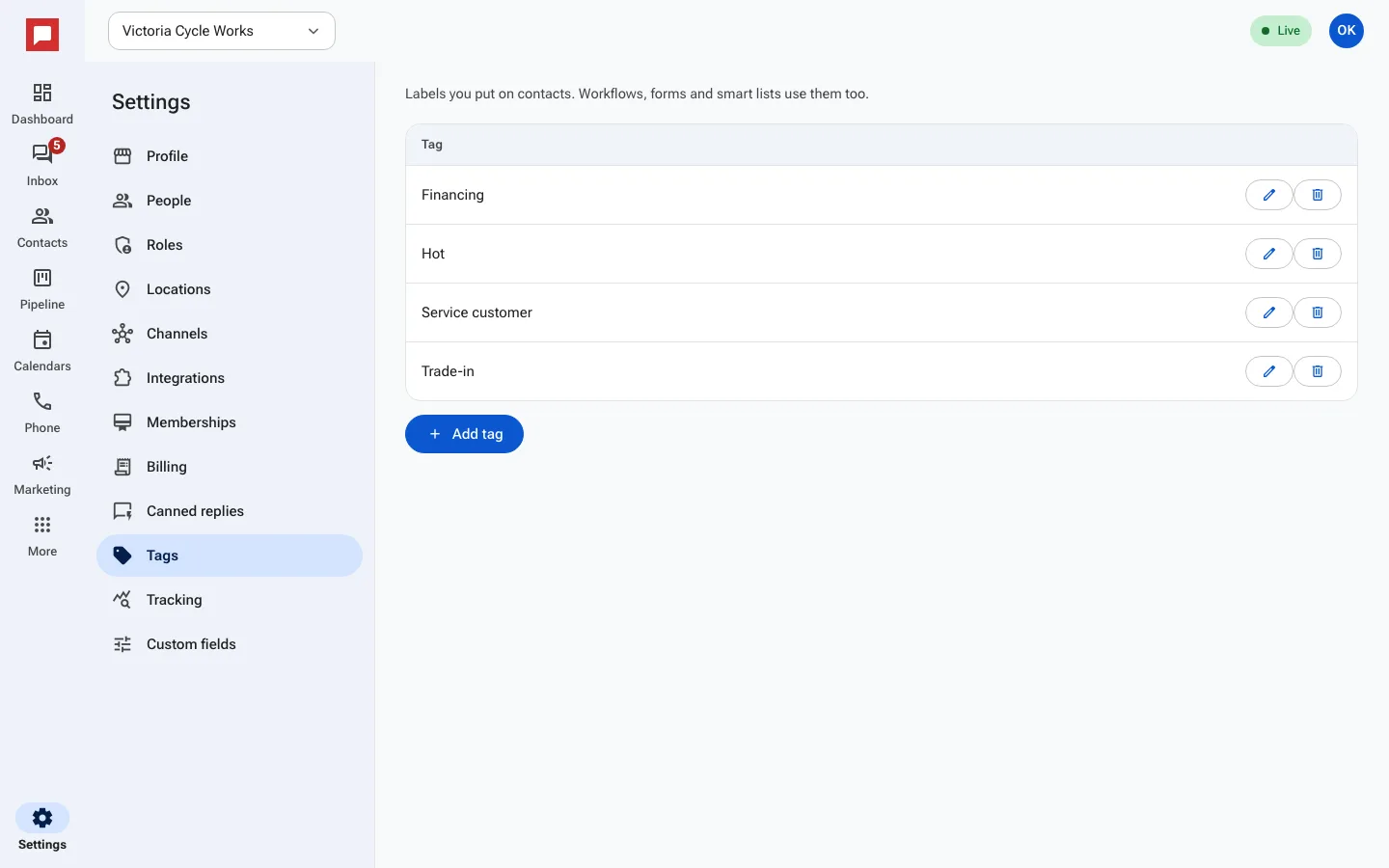
Steps
- Go to Settings at the bottom of the left icon rail.
- Select Tags.
- Click Add tag to create a new one.
- Type a Name for the tag.
- Click Add tag again to save it.
- To change a tag, click Rename.
- To remove a tag, click Delete.
- Confirm the deletion if prompted.
Good to know
- Tags are shared across your whole workspace.
- You can use tags in email and text marketing campaigns.
- Deleting a tag removes it from all contacts.
- You can create as many tags as you need.