
Website tracking
Add a tracking code to your website to see where leads come from.
Tracking helps you see which leads come from your website. This helps you understand what is working.
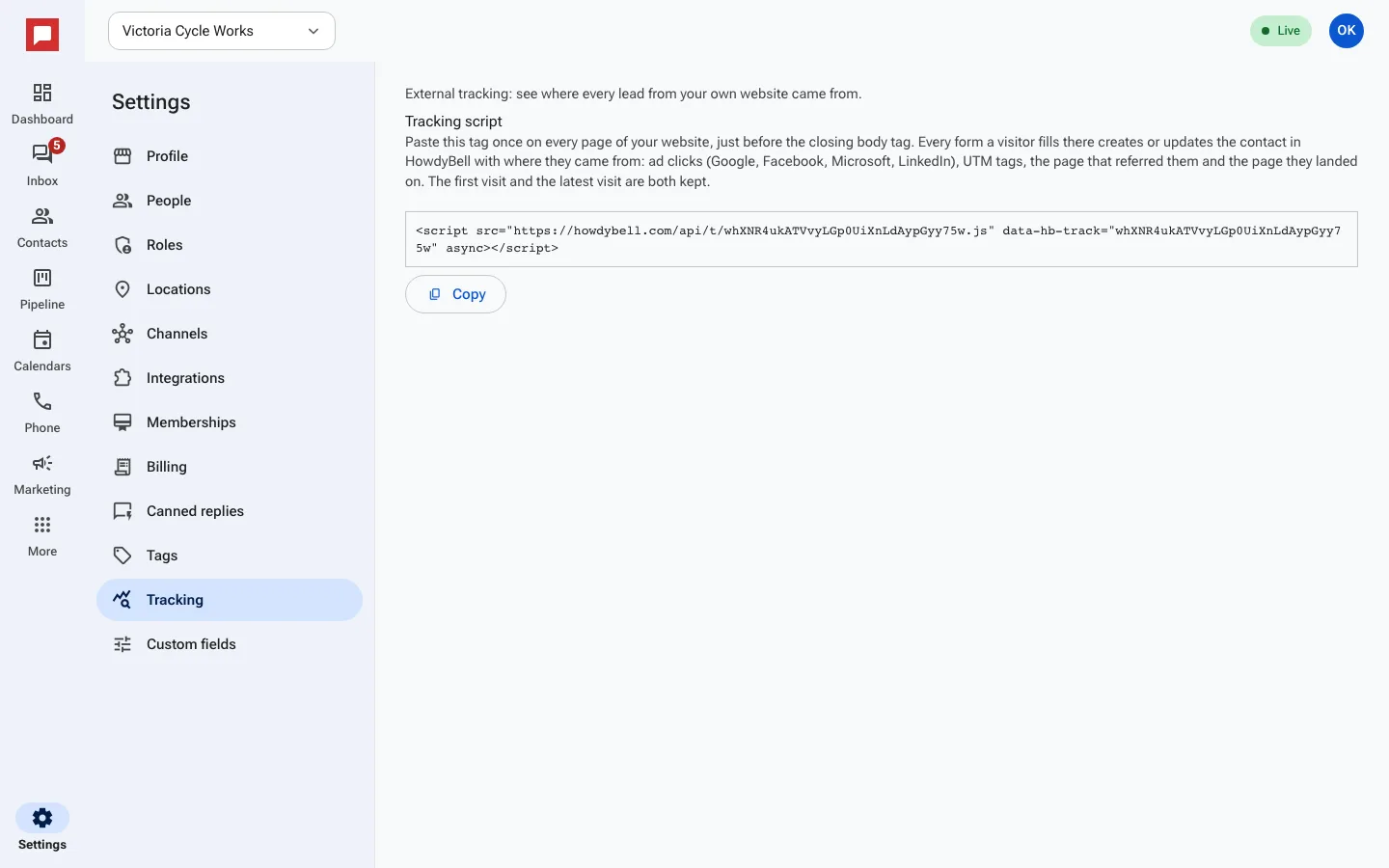
Steps
- Click Settings at the bottom of the left icon rail, then Tracking.
- Click Copy under Tracking script.
- Paste the tag once on every page of your website, just before the closing body tag.
- Publish your website changes.
- From now on, every form, chat or booking that creates or updates a contact records where that visitor came from.
Good to know
- HowdyBell saves the first visit and the latest visit for each contact, with sources like Google, Facebook or a UTM campaign.
- See the results in Reporting under Attribution.