
Send documents to sign
Create contracts and get electronic signatures from customers.
You can send contracts and agreements for customers to sign online. HowdyBell records who signed, when, and from which IP address. This creates a legal audit trail. You do not need a third-party e-sign service.
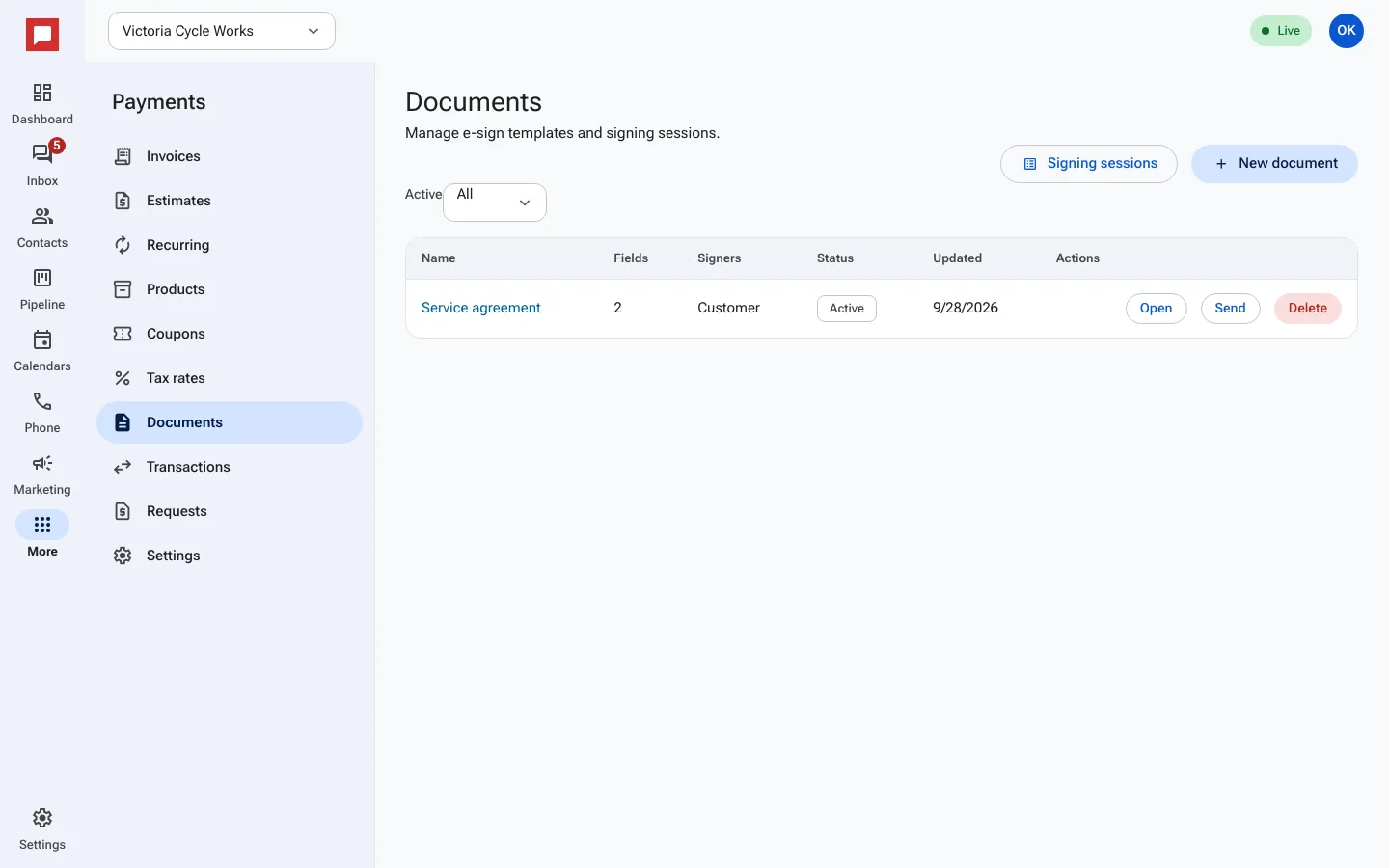
Steps
- Go to More in the left icon rail, then Payments.
- Select the Documents tab.
- Click New document.
- Type the Document name.
- Enter the text for the Document Body.
- Add Signer Roles and place Signature or Initials fields on the page.
- Click Save.
- Click Send for signature.
- Add the signer's email and name.
- The signer receives a link to draw or type their name.
- Once signed, you can Download signed PDF.
Good to know
- The system records the IP Address and User Agent for each signature.
- You can verify the document later using the SHA-256 Hash.
- Signers must agree to use electronic records before signing.
- You can cancel a signing session if needed.