
Bill customers on a schedule
Set up automatic billing for weekly, monthly, or yearly service plans.
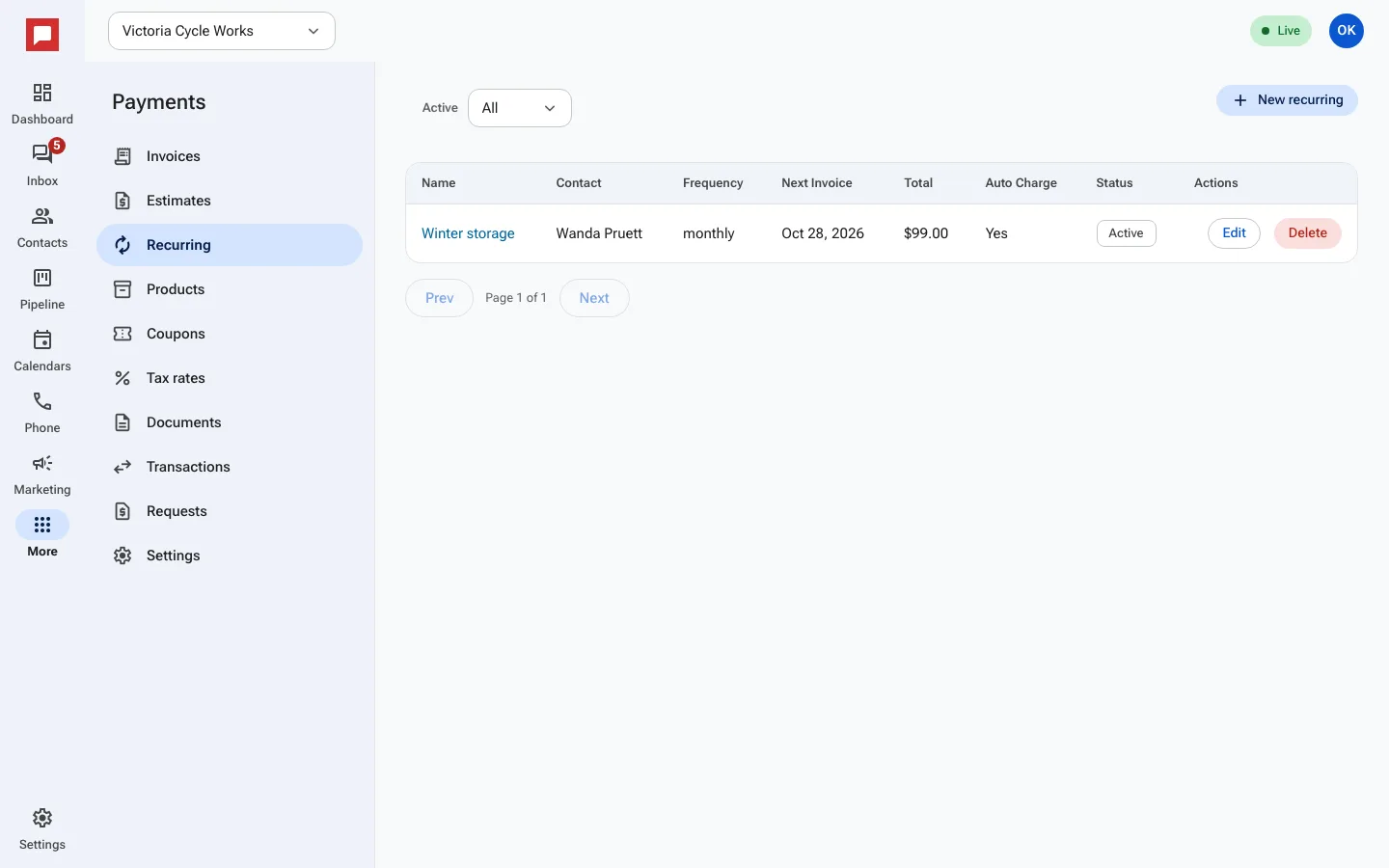
Recurring invoices bill customers automatically on a set schedule. This is perfect for service plans, memberships, or subscriptions. You set the frequency and amount, and HowdyBell handles the rest.
Steps
- Go to More in the left icon rail, then Payments.
- Select the Recurring tab.
- Click New recurring.
- Select the customer contact.
- Choose a Frequency: Weekly, Biweekly, Monthly, Quarterly, or Yearly.
- Add line items for the service or product.
- Set a Start Date and an optional End Date.
- Enable Auto Charge if you want to bill the saved card or bank account automatically.
- Click Save. The first invoice will be generated on the start date.
Good to know
- If Auto Charge is off, the customer gets an invoice to pay manually.
- The system generates the next invoice automatically on the due date.
- You can view the Next Invoice date in the list.