
See transactions and refunds
View all payment history and process refunds for customers.
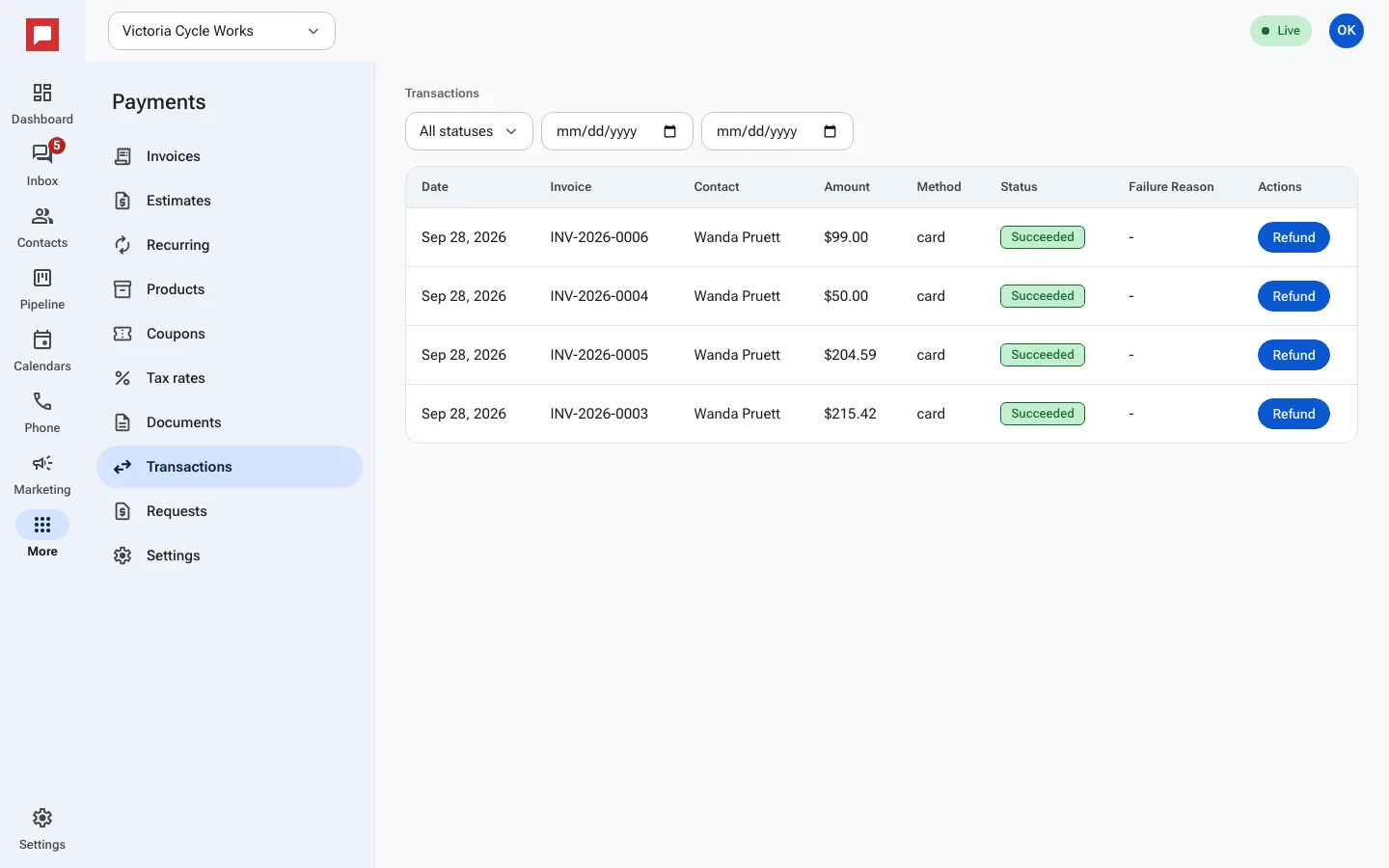
The transactions list shows every payment your business has received. You can see the amount, method, and status. If a customer needs a refund, you can process it here.
Steps
- Go to More in the left icon rail, then Payments.
- Select the Transactions tab.
- Use the Search bar to find a specific payment.
- Filter by Status: Pending, Succeeded, Failed, or Refunded.
- Click on a transaction to see details.
- You will see the Date, Invoice, Method, and Amount.
- If you need to refund, click Refund.
- Enter the Refund Amount ($).
- Confirm the refund. The status changes to Refunded.
Good to know
- Only roles allowed to refund can issue refunds.
- Refunds go back to the original payment method.
- You can see the Failure Reason if a payment did not go through.