
Create and send an invoice
Build an invoice with line items and send it to a customer for online payment.
Invoices are how you bill customers for work or products. You can add details, apply taxes, and send the invoice by email or text. The customer pays online using a card or bank account.
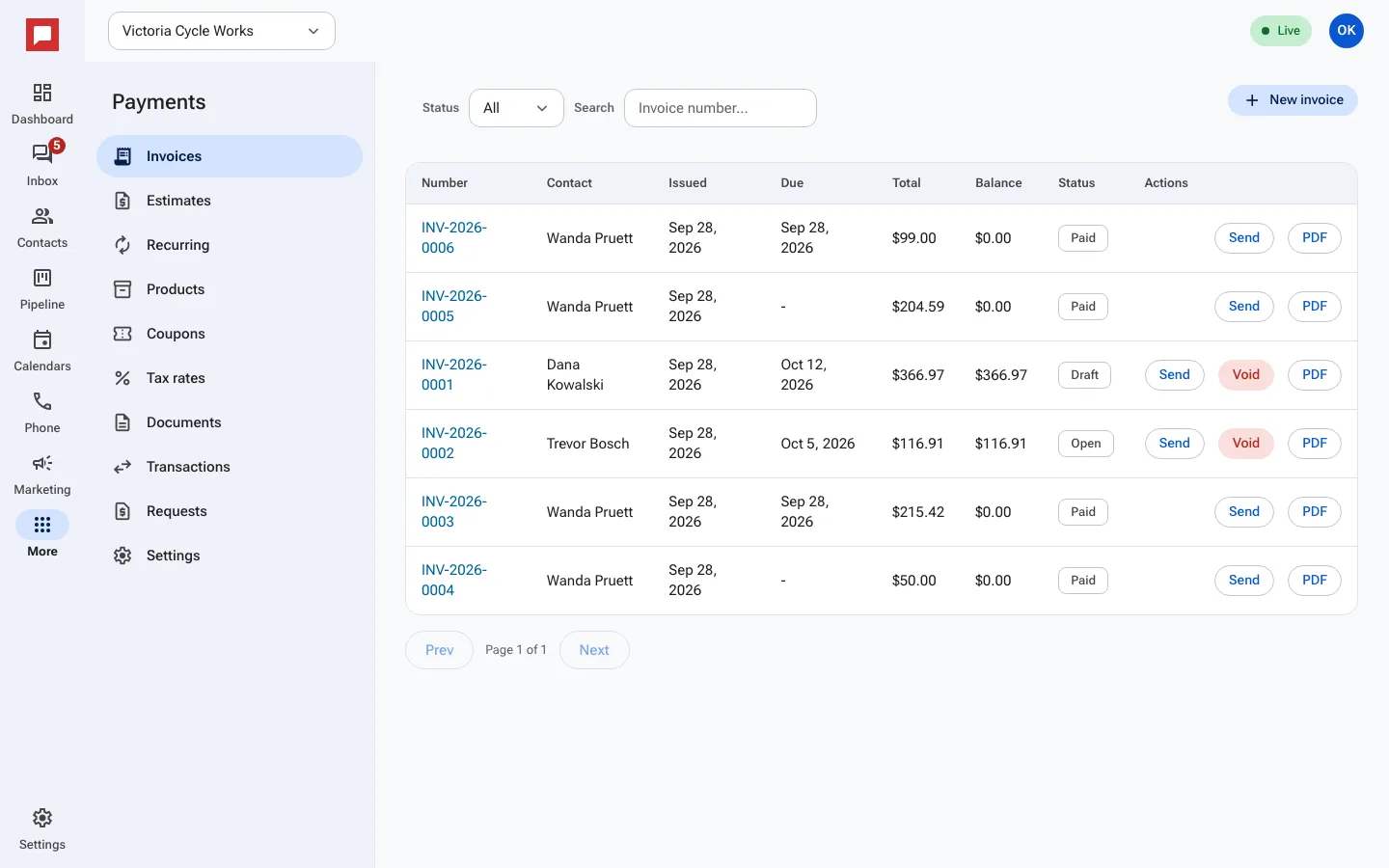
Steps
- Go to More in the left icon rail, then Payments.
- Select the Invoices tab.
- Click New invoice.
- Search for and select the customer contact.
- Add line items. You can type a description, quantity, and price. Or click Add from products... to use your saved catalog.
- Set the Due Date if needed.
- Apply a Coupon Code or Tax rate if applicable.
- Click Send. Choose Send by email or Send by text.
- The customer receives a link to pay. Once they pay, the status changes to Paid.
Good to know
- You can save an invoice as a Draft before sending it.
- If a customer pays part of the total, the invoice shows as partly paid with the balance left.
- Click Download PDF for a copy of the invoice.
- You need a role that can manage payments.