
Request a payment with a link
Send a quick payment request link to a customer by text or email.
Sometimes you just need to ask for a specific amount. Payment requests let you send a link for a one-time payment. This is faster than creating a full invoice for simple transactions.
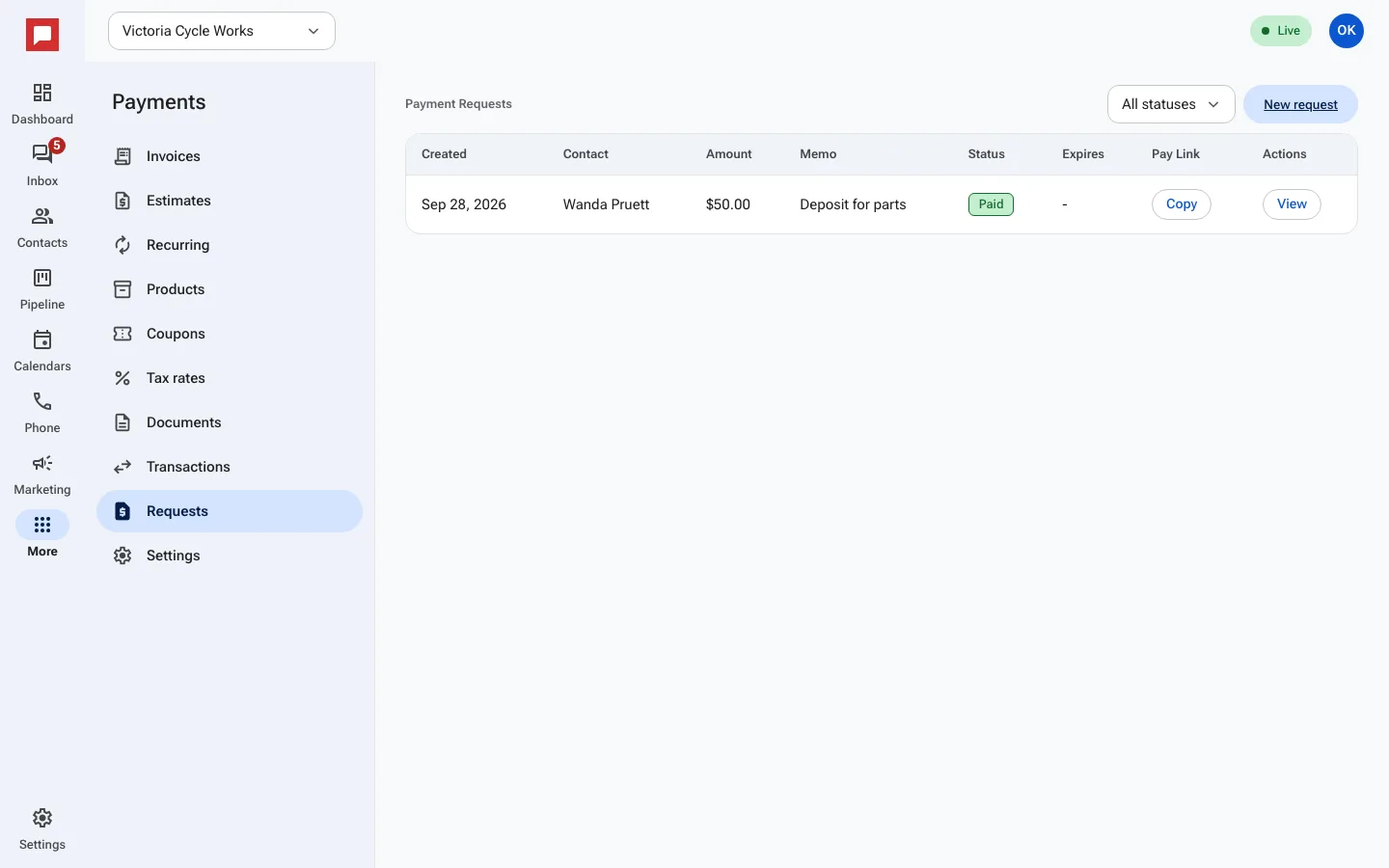
Steps
- Go to More in the left icon rail, then Payments.
- Select the Requests tab.
- Click New Payment Request.
- Enter the Amount ($).
- Add a Memo to describe what the payment is for.
- Choose the Channel: SMS or Email.
- Enter the customer's phone number or email address.
- Set an Expires date if you want the link to stop working after a certain time.
- Click Send.
- The customer clicks the link and pays with a card or bank account.
Good to know
- You can copy the Pay Link to share it manually.
- The status changes to Paid once the customer completes the transaction.
- You can cancel a request if it was sent by mistake.
- This is useful for deposits or small fees.